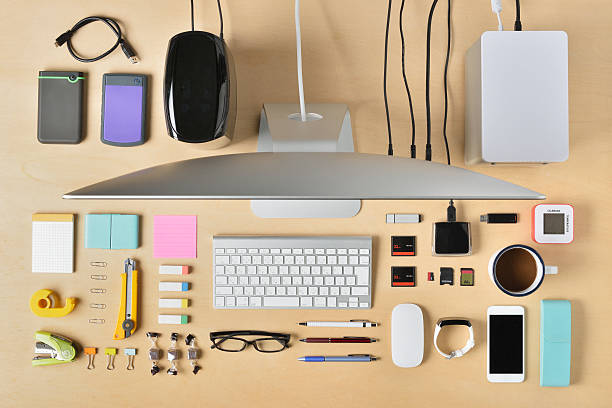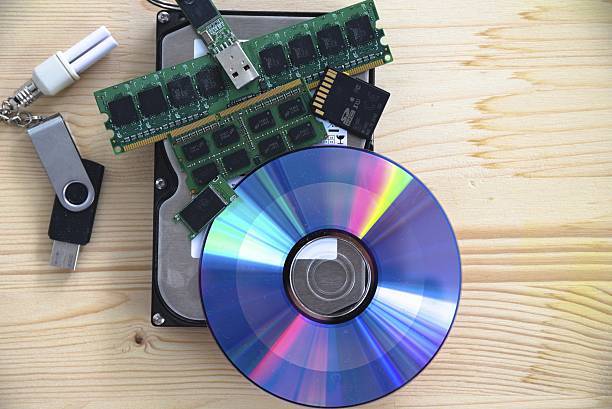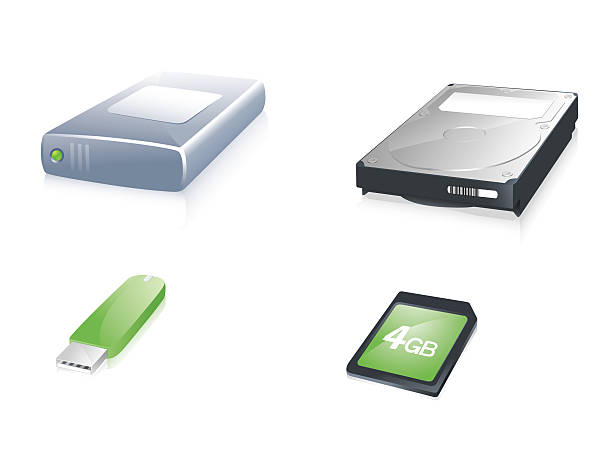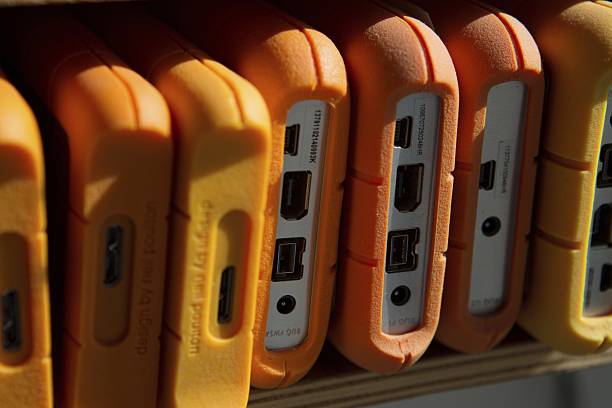
Your camera rolls, your phone fills up, and suddenly every project feels like a race against a red storage bar. That panic does not mean you need to be more technical. It means your storage plan is doing too many jobs at once. Content creators need speed for editing, space for old projects, and safety for files they cannot lose. Separate those jobs and everything gets easier.
The first job is your working drive. This is where your current project lives while you edit. It needs to be fast, reliable, and easy to unplug. For most people, that means an external solid-state drive, or SSD. SSDs have no moving parts, so they handle being tossed in a bag better than old spinning hard drives. Look for USB-C or Thunderbolt, at least one terabyte, and read speeds that do not make you wait every time you scrub a timeline. You do not need the most expensive drive on the shelf. You need a trusted brand with room for footage, cache files, and exports.
Do not edit directly from a slow external hard drive if you can avoid it. Those big, cheap drives are great for storage, but they can stutter when you pile on effects or multiple camera angles. If you are just cutting a simple vlog, a decent hard drive might survive. If you are editing 4K, multicam, or high-bitrate phone video, an SSD will save you hours of frustration. Think of your working drive as the cutting board. You want it clear, fast, and close at hand.
The second job is archive storage. When a project is finished, you do not need it on your fastest drive anymore. You need it somewhere safe and cheap. That is where large hard drives and network-attached storage come in. A network-attached storage device, or NAS, is a small computer filled with drives on your home network. It can back up several devices and let you access files from anywhere. It sounds fancy, but it is not magic. A cheap NAS over Wi-Fi feels slow. If you want to edit from a NAS, use wired Ethernet. For a solo creator, a simple external hard drive plus cloud backup is often enough.
The third job is backup. This is the part people skip until they lose a wedding video, a client project, or a year of family clips. Backup is not the same as storage. Storage is where files live. Backup is a second copy that survives spilled coffee, a stolen bag, or a drive that suddenly clicks and dies. The old rule still works: three copies, two types of media, one offsite. In plain terms, keep your project on an SSD, copy it to a big hard drive at home, and send important finals to cloud storage or a drive somewhere else. Cloud sync is not backup if deleting a file on your laptop also deletes it from the cloud. Read the settings.
Organization matters as much as hardware. A fast drive full of files named final-final-v2 is still a mess. Pick a simple folder system for year, project, and asset type. Rename cards before you format them. Keep notes about what is where. This takes minutes and saves days. When you know where your footage lives, you stop fearing the red storage bar.
Mobile creators need the same logic in a smaller package. Your phone is a camera, editing bay, and delivery device, but not a long-term archive. Offload footage to an SSD or cloud folder regularly. Use a card reader instead of trusting wireless transfers for huge files. Keep your phone from filling up, because a full phone slows down.
Buy for your real workflow, not an imaginary future studio. A good external SSD, a large archive drive, and a backup you actually update beat a complicated setup you never maintain. Check your drives every few months. Replace them before they fail. Label your cables. Storage is not glamorous, but it lets you create without looking over your shoulder. Get it right once, then get back to making things.