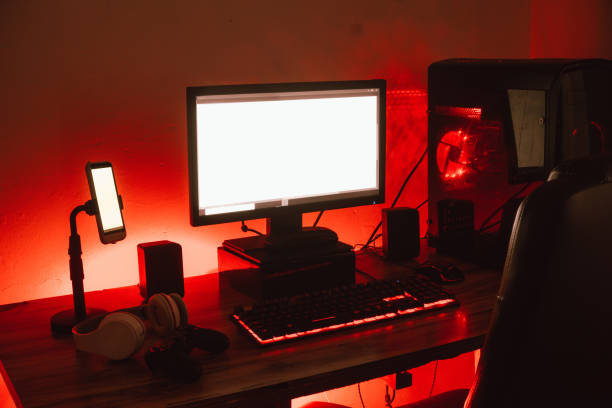
Your phone touches your cheek more often than your pillow. Your keyboard gets your fingertips all day. If you wear makeup, sunscreen, moisturizer, or hand cream, some of it ends up on your devices. Whatever is on your devices ends up back on you. That is not a reason to panic. It is a reason to include your tech in your personal care routine. A little attention can mean fewer breakouts, less irritation, and gadgets that do not look like they survived a grease fire.
Start with the phone. During a call, you transfer oils, makeup, sweat, and bacteria to the screen. Later, you touch that screen and then touch your cheek, chin, or eye area. If you notice bumps along the jawline or one side of your face, your phone could be part of the problem. You do not need a laboratory-grade cleaning ritual. A soft microfiber cloth once a day helps. For a deeper clean, use a screen-safe wipe or a lightly dampened cloth with a cleaner approved for your device. Never spray liquid directly onto the screen. If you use a case, take it off now and then and wash it with mild soap and water, then dry it completely.
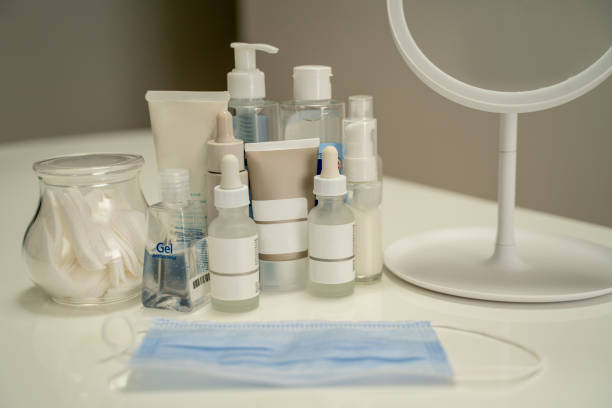
Makeup and skincare products can affect how devices work. Foundation, powder, and sunscreen leave a film on touchscreens. That film makes swipes feel sticky and builds up around edges. Hand cream is worse for keyboards and mice. Many lotions contain oils and silicones that make keycaps slippery and break down rubberized coatings. You do not have to choose between soft hands and a clean keyboard. Apply lotion after a long typing session, before bed, or away from your desk. Give it a minute to absorb. If you must moisturize during the day, use a thin layer and blot your palms. Keep a microfiber cloth nearby instead of wiping your hands on your pants.
Your hands deserve more thought. A keyboard that is too high, a mouse that is too small, or a trackpad that forces your wrist into a weird angle can turn small discomfort into daily pain. Personal care is also posture, breaks, and peripherals that fit. If your pinky aches from reaching for Shift, try a smaller keyboard or one with a lighter touch. If your thumb hurts from scrolling, use a stylus, voice dictation, or a case with better grip. Long nails can change your typing angle and make touchscreens frustrating. A capacitive stylus is a cheap fix.
Headsets and earbuds are another blind spot. Over-ear headphones press on your ears, temples, and jaw. That pressure can cause headaches or sore spots. Earpads trap sweat, oil, and makeup, which can irritate skin behind the ears. Wipe them down and replace worn pads when they flake. Earbuds need even more care. Clean them gently, do not jam anything into the speaker mesh, and avoid sharing. If your ears itch or feel clogged, take a break and see a professional if it continues. Makeup around the eyes plus screen time can lead to dry, tired eyes. Clean your face before bed, especially if you wear eye makeup. Your eyelid glands do not enjoy leftover liner.
Screens get blamed for skin damage. The honest answer is that blue light from a phone or laptop is not the same as sun exposure. You still need sunscreen, especially near a window. Do not buy an expensive blue-light serum and skip the basics. The bigger skin and comfort issues are heat, friction, sweat, and grime. A hot laptop on your lap can irritate skin. A dirty headset can cause bumps. Fix those first.
The routine is simple. Wash your hands before long typing sessions. Clean your phone and keyboard regularly. Let skincare absorb before you touch your devices. Take breaks. Adjust your chair, screen, and mouse so your body is not fighting your setup. None of this needs to be fancy. It needs to be consistent. Your devices are part of your personal space now. Treat them that way, and your skin, hands, eyes, and mood will thank you.