The quickest way to make phone video look amateurish is to ignore sound. Viewers will forgive a slightly shaky shot, a window that blows out, or a horizon that leans. They will not forgive audio that echoes, hisses, clips, or sounds like you are recording inside a tin can. Your phone already shoots decent video. The missing piece is usually a small bag of audio accessories that costs less than a fancy lens and takes up less space than a sandwich. Once you understand what each piece does, you can build a mobile kit that fits in your pocket and makes every interview, voiceover, vlog, and product demo sound intentional.
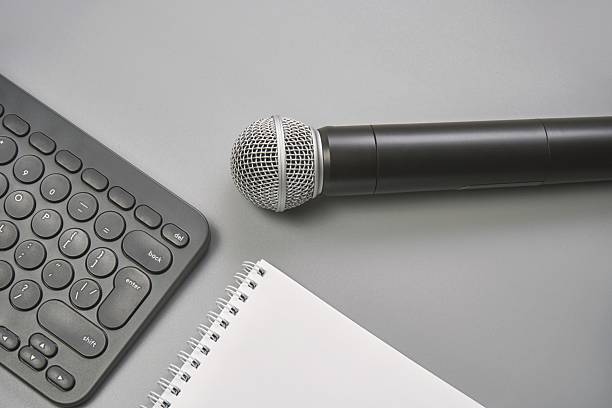
Start with the microphone. The built-in mic on your phone is tuned for phone calls, not storytelling. It picks up everything in the room, including traffic, refrigerators, and the person behind you. A lavalier mic, often called a lav, is the simplest upgrade. It clips to your collar, plugs into your phone, and keeps your voice close and clear. Older phones with headphone jacks accept a TRRS lav directly. Newer phones need a tiny adapter: USB-C to 3.5mm or Lightning to 3.5mm. If you hate dongles, buy a lav that ends in USB-C or Lightning. The cost is low, the improvement is huge.
For more freedom, look at wireless mic systems. These usually come with a transmitter you clip on and a receiver that plugs into your phone. The best ones record a backup track inside the transmitter, so if your phone gets a notification, overheats, or the wireless signal hiccups, you still have clean audio. That backup track is a lifesaver for interviews and run-and-gun filming. When you shop, check the connector, the battery life, and whether the receiver has a headphone jack for monitoring. If not, wired earbuds through your phone can work with the right adapter.
Wind is the silent killer of outdoor audio. A foam windscreen helps indoors; outdoors, you want a furry windjammer, often called a dead cat, over the mic. If you are using a lav, tape the cable to your shirt with a small piece of medical tape or a fabric-friendly clip. This prevents thumping and rustling. For handheld shots, keep your hands off the phone’s body if possible. A small tripod or grip with a shock mount reduces handling noise.
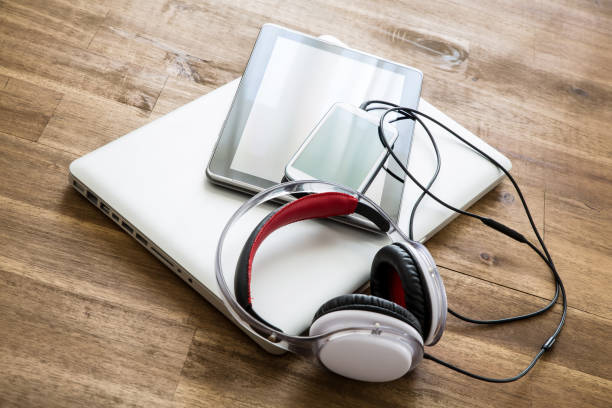
Monitoring is the habit that separates guesswork from confidence. Wired headphones are better than Bluetooth for video because Bluetooth adds latency, making it hard to judge lip sync. Plug in earbuds, record a ten-second test, and listen. You are checking for three things: volume that never hits the red, background noise you can actually hear, and the natural tone of your voice. If it sounds hollow, get closer to the mic or move to a softer room. Blankets, curtains, rugs, and open closets absorb echo.
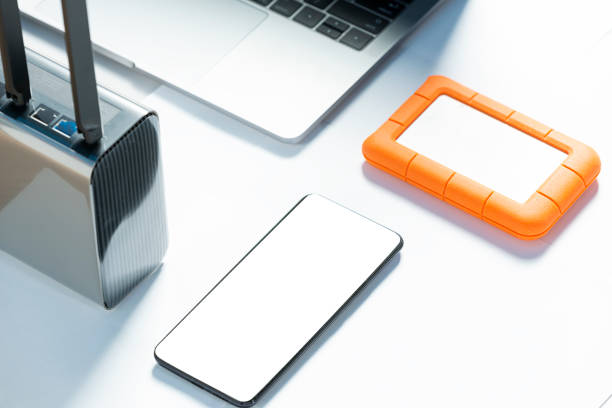
Adapters and power are the unglamorous glue of a mobile rig. Keep the right dongle attached to your keychain or phone case. A USB-C hub can let you charge while recording, but not all hubs pass audio correctly, so test before the shoot. A small power bank solves power drain. Audio files are small, but video files are not, and a full phone will stop a great take.
Your editing app matters less than your source audio. Most phone camera apps automatically use an external mic when one is plugged in. If yours does not, check the settings or use a camera app with manual audio controls. Record a quick clap at the start if you are syncing separate audio. Back up your files to cloud storage or a portable drive as soon as you can.
The bottom line is simple. A mobile creator does not need a studio. They need a microphone close to the mouth, a wind blocker, a way to monitor, and a few adapters that actually work. Spend your money there before you spend it on another camera lens. Clean audio makes phone footage feel professional, and a small pouch of accessories makes clean audio possible almost anywhere. Pack it, test it, and your viewers will hear the difference before they see it.