Your phone’s camera roll is not a backup. It is the original. Then it falls in a lake, gets stolen, or refuses to turn on. Photos and videos are different from most files. You cannot recreate them. You cannot download them again. A work document might live in email, but the only copy of your kid’s first steps or your best friend’s wedding toast is the one on your device. So the goal is not storage. It is survival. The simplest system that actually works is called the 3-2-1 rule. It is for anyone with a phone full of memories.
The rule goes like this. Keep three copies of anything you cannot afford to lose. Store them on two different types of media. Keep one copy somewhere else, offsite. Three copies means the original plus two backups. Two media means do not put all your backups on the same kind of drive or the same cloud account. One offsite means if your house floods, burns, or gets burglarized, a copy survives somewhere else. That is the idea. No secret sauce. No expensive gear required. You can start with what you already own.
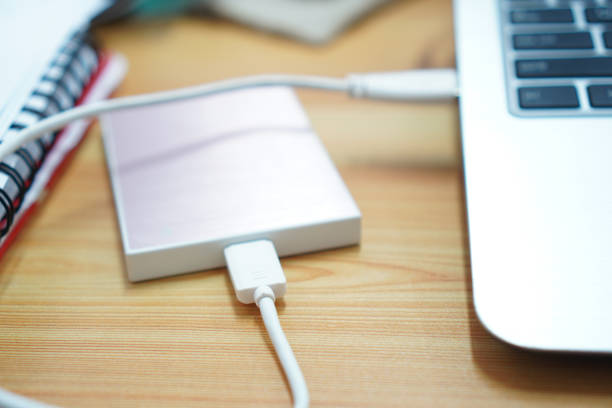
Let’s translate it for photos and videos. Copy one is your phone or camera. That is where the files are created. Copy two could be an external drive at home. A portable SSD is fast and tough, while a desktop hard drive gives you more space for less money. For a family photo library, a 2TB or 4TB drive is a reasonable starting point. Plug it in, let your computer import the files, and keep it somewhere dry and stable. Do not leave it in a drawer with a dead battery or under a pile of laundry. Treat it like the object it is.
Copy three is where people get lazy. Cloud storage is the easy offsite option. Google Photos, iCloud, Dropbox, OneDrive, Backblaze, and similar services can automatically upload from your phone. But auto-backup is not magic. Free tiers fill up. Sync is not backup. If you delete a photo on your phone and the cloud syncs that deletion, the cloud copy may vanish too. Read the settings. Turn on version history if available. Check that your videos, especially large ones, actually uploaded. Many people discover their cloud backup stopped working months ago only after they need it.
For content creators, the stakes are higher. Raw video files eat storage like popcorn. A single project can fill a card, then a drive, then a second drive. Use a working drive for current projects, a second drive for completed exports, and a cloud or offsite drive for the master files. If you shoot on SD cards, do not format a card until the footage exists in at least two other places. Memory cards are not archive media. They are temporary shuttle buses.
Different media matters because failures are not equal. Hard drives have moving parts and can die from drops. SSDs are fast and silent but can fail without warning. Cloud services can go down, raise prices, or lock your account. By mixing types, you avoid a single weakness taking everything out. Keep one copy on an external hard drive, one on a cloud service, and one on a second drive that lives at a relative’s house or in a safe deposit box. Rotate it every few months.
A monthly routine takes ten minutes. Plug in your external drive and let the backup run. Open your cloud app and confirm the latest photos and videos are uploaded. Do a test. Open a random photo from last year and a video from last month. A backup you never test is a hope, not a plan. Use the tools built into your phone and computer, like Apple Photos, Google Photos, Windows File History, or Mac Time Machine. Turn them on.
You do not need a server rack or a degree in network storage. You need three copies, two kinds of media, and one copy away from home. Start with the photos you would cry about losing. Back those up first. Then add the rest. Your memories deserve better than a fragile device. Give them a system that survives bad luck.