A good storage deal is not the one with the biggest red slash or the flashiest “limited time” banner. It is the drive that shows up, holds your files, moves them at a speed you can actually use, and keeps working after the return window closes. Storage is boring right up until it fails. Then it becomes the most important thing you own. So when you see a portable SSD, hard drive, microSD card, or USB stick marked down, slow down and ask a few simple questions.
First, decide what the drive is for. If you are moving big video projects, game captures, or photo libraries between machines every week, a portable SSD is worth the extra money. It has no moving parts, survives bumps in a backpack, and transfers files fast enough that you do not dread the wait. If you are backing up old photos, movies, and documents that mostly sit still, a big external hard drive is still the bargain king. You can often get four or five times the capacity for the same price as an SSD. The catch is that hard drives are slower and more fragile when dropped, so they belong on a desk, not tossed loose into a bag.
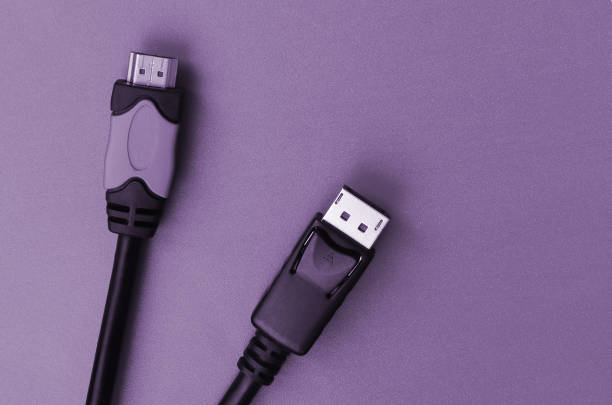
Next, look at the port, not just the speed number. A drive that claims 2,000 megabytes per second is useless if your laptop only has an old USB-A port. You will get whatever the slower side allows. Check whether the drive uses USB-C, USB-A, or both, and whether it comes with the right cable. Some deals save money by leaving out the cable you need, which turns a great price into a scavenger hunt. For most people, a solid USB 3.2 Gen 2 portable SSD with a USB-C cable is plenty. If you have an older computer, a standard USB 3.0 drive is fine and often much cheaper.
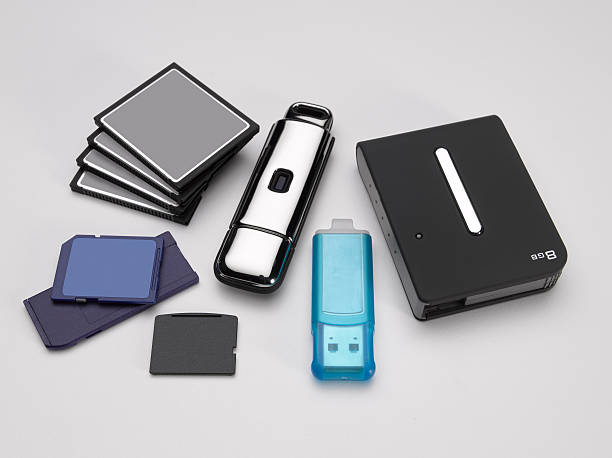
Then do the math on price per terabyte. A 1TB portable SSD at $70 is $70 per terabyte. A 2TB model at $120 is $60 per terabyte. A 4TB desktop hard drive at $90 is about $22.50 per terabyte. That number tells you more than the sticker price. It also helps you spot fake deals. A 2TB microSD card for $25 is not a miracle. It is almost certainly a hacked card that reports a fake capacity, then corrupts your files once you pass the real limit. The same goes for no-name USB flash drives with absurd capacities. Buy from a reputable seller, and test any suspicious card or drive with a free capacity tester before you trust it with anything important. Speed ratings can also mislead. A drive might hit its peak only for a few seconds, then slow down when its cache fills. For everyday copying, reliability and capacity matter more than bragging rights.
Warranty and brand matter, but not in a snobby way. You do not need the most expensive name. You do need a company that will replace a failed drive without a fight. Look for three-year or five-year warranties on portable SSDs and two-year or longer on hard drives. Read the fine print about data recovery, because most warranties replace hardware, not memories. That is why backups matter. Follow the old rule: keep three copies of anything you cannot lose, on two different kinds of media, with one copy off-site or in the cloud. A cheap drive plus a good backup plan beats an expensive drive with no plan every time.
Seasonal sales can be genuinely great, but they are also full of old models and inflated “original” prices. Before you buy, check the price history with a browser tool or a quick search. If the drive was $10 cheaper last month, it is not a deal. If it is at its lowest price and it fits your port, capacity, and speed needs, grab it. For gamers, remember that consoles have rules. A USB drive can store games, but next-gen games often need internal storage or an approved expansion card. For photographers, do not cheap out on the card that captures a once-in-a-lifetime shot. For everyone else, the best storage deal is simple: enough capacity, reliable brand, fair price per terabyte, and a backup you actually run.