Small spaces do not have to mean small tech. They mean you have to be deliberate. A corner, a closet, the space under a loft bed, or that weird nook beside the fridge can become a real command center if you stop treating it like a place to pile cables. The goal is not to cram in every gadget you own. The goal is to make one spot handle work, charging, storage, and entertainment without making you feel boxed in.
Start with an honest measurement. Write down width, depth, and height, then note outlets and doors. List what you actually do there. If you mostly answer email, a laptop and dock are enough. If you edit video, you need a monitor, fast storage, and cooling. Pick one primary job and let everything else earn its place. If it does not support that job, it belongs in a drawer.
Vertical space is the cheapest real estate you have. A floating shelf can hold a router, external drive, speakers, or a small plant. A wall-mounted power strip keeps bricks off the floor. A monitor arm clamps to the desk edge or wall and frees the desktop. If you rent, use damage-free adhesive only for lightweight items, and anchor anything heavy into a stud. Move clutter up, and the space feels twice as big.
The desk itself does not need to be big. A shallow desk eighteen to twenty-four inches deep is plenty if your monitor is mounted. A fold-down table can disappear when you are done. An old dresser can become a standing desk with storage below. If you have no floor space, use a closet. Take the door off, add a shelf, and roll in a stool. When work is over, close the doors. A rolling cart can be a command center by day and a charging station by night.
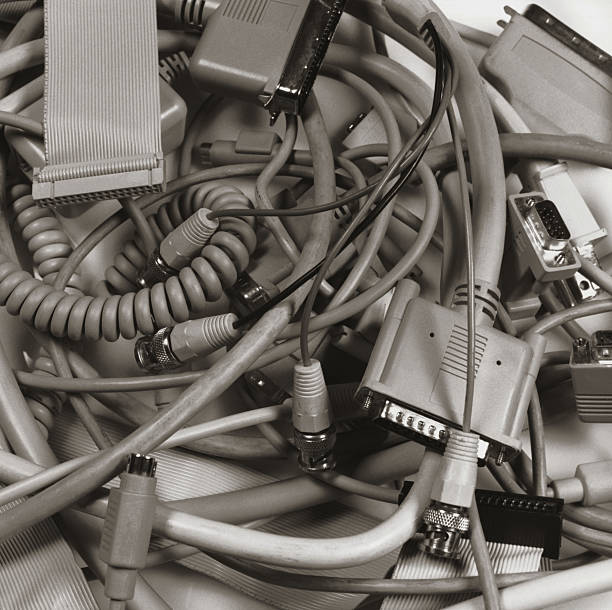
Power and cables are where small setups fall apart. Use one good surge protector with USB ports and mount it under the desk. Label the power bricks. Use Velcro ties instead of zip ties. Run cables through raceways or behind furniture. A simple cable box hides the power strip and adapters. Choose a USB-C dock that powers your laptop and connects your monitor, Ethernet, and storage through one cable. Fewer cables mean fewer tangles and less visual noise.
For displays, one large monitor usually beats two small ones in a tight space. An ultrawide can replace a dual-monitor setup. If you truly need two screens, stack them vertically on an arm. A portable monitor can slide into a drawer. A small TV can double as a monitor for movie night, but check whether text looks crisp. A monitor light bar saves desk space, and bias lighting cuts eye strain.
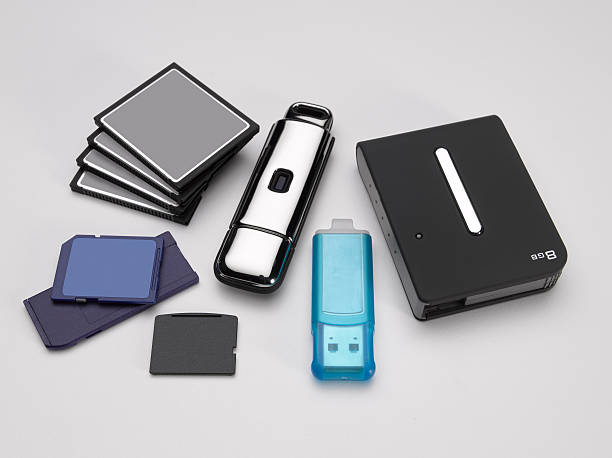
Input devices matter more when your desk is small. A compact wireless keyboard without a number pad leaves room for the mouse. A trackball or vertical mouse reduces sweeping arm movements. Keep a small drawer for dongles, SD cards, and adapters, and label them. A tablet with a keyboard case can replace a laptop for light work. The best device does not demand a second desk.
Storage and backup should be tiny and automatic. External SSDs are small enough to live in a pocket. A full NAS can be loud and bulky, so many people do better with cloud backup plus a local SSD. Keep rarely used drives in a closet bin with a desiccant pack. Set backups to run without you thinking about them. In a small space, forgotten drives become clutter fast.
Comfort still counts. Small rooms echo, so add a rug or curtains, use headphones for calls, and choose warm layered lighting. Your chair matters more than your desk, so pick something compact that rolls under it. Finally, keep the space honest. Once a month, dust vents, check cables, and archive unused dongles. A tiny command center works because everything has a home and a purpose. It is not about cramming more in. It is about making work, charging, storage, and fun flow through one calm, capable spot. That is how a forgotten corner becomes the most useful part of your home.