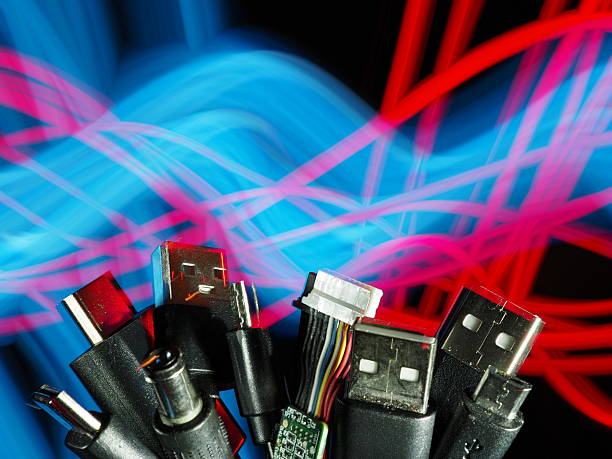
There is a drawer in almost every home that holds a tangle of odd cables. Some have square ends, some have pins, some look almost like USB but not quite. Those are specialty and legacy cables, and they are not junk. They are problem solvers. A specialty cable exists to do one job very well, like connecting a camera to a capture card or a musical keyboard to a computer. A legacy cable uses an older standard that newer devices have mostly left behind. Both stick around because real people still own real devices that work perfectly well. If you understand why these cables exist, you can save money, rescue old gear, and avoid a lot of frustration.
The biggest confusion with any cable is the difference between a connector and a signal. The connector is the shape of the plug. The signal is the language traveling through it. USB-C is a shape, but it can carry many different languages: slow USB data, fast USB data, video, power, and even Thunderbolt. HDMI is also a shape, and it usually carries video and audio together. This means a cable that fits can still fail to do what you want. Always check what the cable actually supports, not just whether the ends match. That one habit prevents most cable mistakes.
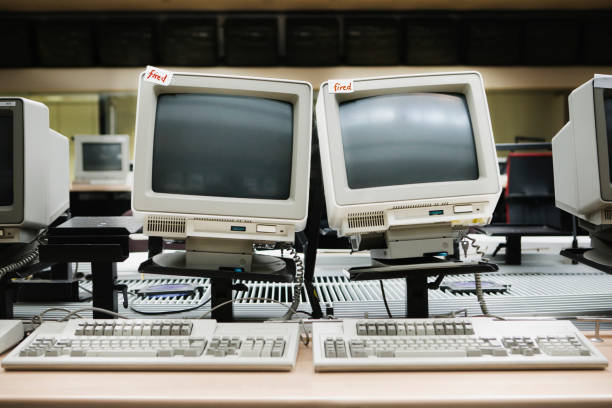
Legacy cables include names you may have seen in junk bins: VGA, DVI, composite, component, SCART, FireWire, eSATA, PS/2, serial, parallel, 30-pin, mini-USB, and micro-USB. Some are analog, some are digital, and some can be either. VGA sends analog video, which can look soft on a modern screen but is often perfect for retro games. DVI is tricky because it can carry digital video, analog video, or both, so not every DVI cable works in every DVI port. FireWire and eSATA were fast storage connections before USB 3 made them less common. PS/2 keyboards are still loved by some typists because they can handle many key presses at once, and serial ports still configure plenty of industrial equipment.
Specialty cables are the ones that make you ask, “What is this for?” A null modem cable connects two computers directly without a modem, which sounds useless until you need to transfer files between old machines. A crossover Ethernet cable connects two devices directly without a router, handy for quick transfers or testing. A console cable configures switches and routers when the network is down. MIDI cables connect keyboards, controllers, and sound modules for music makers. Capture cables pull video from cameras and consoles into a computer. These cables are not everyday items, but when you need one, nothing else will do.
Adapters add another layer. Some are passive, meaning they simply rearrange wires from one shape to another. Others are active, meaning they contain a chip that converts signals and may need power from a USB port. USB to serial, USB to VGA, and USB-C to HDMI are common examples. Cheap adapters can overheat, flicker, drop audio, or refuse to work with certain apps. For gaming, streaming, or movie nights, buy from a known brand and check the specs. Resolution, refresh rate, audio support, and copy protection all matter. A five-dollar dongle can ruin an otherwise great setup.
Why keep legacy gear at all? Because old devices are often reliable, cheap, and fun. Retro gamers need composite, SCART, or RF connections for classic consoles. Musicians still use MIDI and FireWire audio interfaces that sound great. Photographers may have CompactFlash cards and old card readers. Offices have serial label printers that refuse to die. Content creators use older cameras as webcams or capture old tapes. Throwing away a cable can mean throwing away a working device. The cable is often the only bridge between a favorite tool and a modern computer.
Storage and backup are where legacy cables become serious. An old external drive might use FireWire 400, FireWire 800, eSATA, or mini-USB. If you find one with family photos or work files, do not toss it. Get the right adapter or docking station. Sometimes you can open the enclosure and connect the bare drive internally, but only if you know what you are doing. Once you get the data, copy it to a modern drive, verify the copy, and keep a second backup. The legacy cable is a bridge, not a destination.
Cable care matters more than most people think. Label both ends of every cable you keep. Coil them loosely instead of wrapping them tight around your hand. Avoid sharp bends, hot spots, and curious pets. Test important cables before you actually need them. Keep a small pouch with the basics: USB-C, Lightning, micro-USB, HDMI, Ethernet, and a couple of audio cables. Do not buy mystery cables from a gas station when your project depends on them. If it matters, buy a known brand and keep the receipt.
The no-nonsense rule for specialty and legacy cables is simple. Match the connector, the protocol, and the power. Read the specs. If you are unsure, ask three questions: what device, what port, and what signal? Then buy the right cable or adapter. These cables are not nostalgia for its own sake. They are tools that let old gear talk to new gear. The drawer is not clutter if you know what is inside. Keep a few good ones, label them clearly, and you will be ready for almost any connection problem.