The first upgrade that matters for streaming gameplay is not a fancy webcam. It is audio. Viewers forgive soft video or a plain overlay, but not crackly, echoing, or distant sound. Your voice is the commentary, reactions, jokes, and teamwork. If people cannot hear you, they leave. Start with a decent microphone. A USB dynamic mic is safest for a normal room because it ignores more keyboard clatter and background noise than a sensitive condenser. Put it close to your mouth, angle it slightly off to the side, and set gain so normal speaking peaks without clipping. A boom arm, a pop filter, and a quiet room do more than a more expensive mic.
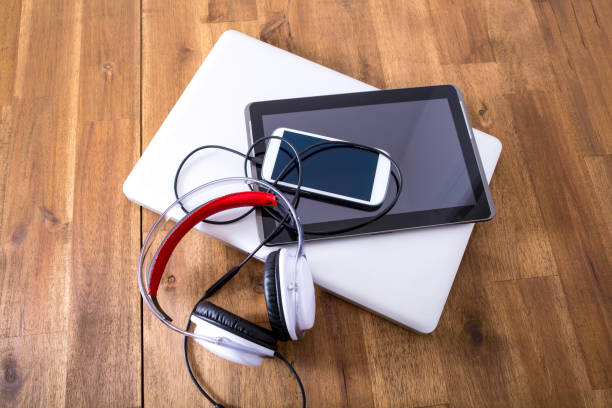
Headphones matter just as much, because you need to hear your game and yourself without feedback. Closed-back wired headphones are the no-nonsense choice. Bluetooth adds latency, but a simple wired pair is reliable. If your headset mic is all you have, use it, but a dedicated mic will sound warmer and clearer. An audio interface is worth it for XLR, but not required. If friends hear your game through your mic, fix monitoring before buying anything else.
For console streamers, a capture card bridges gameplay and audience. You do not need the most expensive 4K model. A solid 1080p60 card is plenty for most streams. Check for passthrough so you can play on TV without delay, and make sure it uses USB 3.0. If you play on a newer console, look for HDMI 2.1, but do not panic if budget does not allow it. PC streamers usually do not need a capture card unless they run dual-PC or bring in a console. Treat it as permanent, not temporary.
Webcam and lighting are next, but less important than audio. A cheap webcam in good light looks better than an expensive webcam in a dark cave. Put soft light in front of you, not behind. If you do not want to be on camera, that is fine. If you do show your face, set the camera at eye level and avoid a bright window behind your head. Viewers want the game and your voice, not the silhouette of your chair.
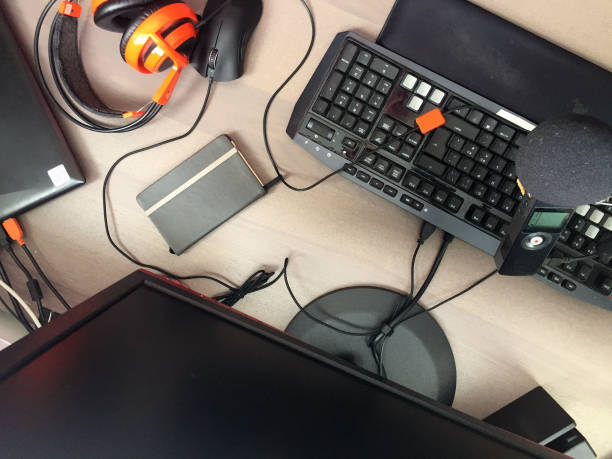
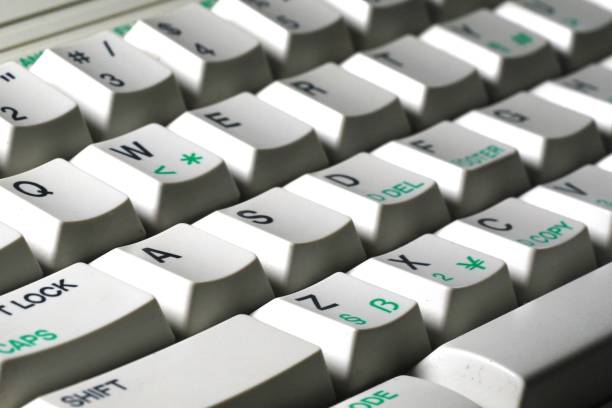
Controllers, mice, and keyboards are personal, but streaming adds practical concerns. Wireless controllers are convenient, yet battery anxiety is real. Keep a charged spare or a long USB cable nearby. Back paddles can help, but they will not fix bad habits. Clicky switches can bleed into your microphone. A quieter mouse, different mic angle, or noise gate can help. Do not use macros that break game rules. Comfort matters more than flash. If your hands hurt after an hour, your setup is working against you.
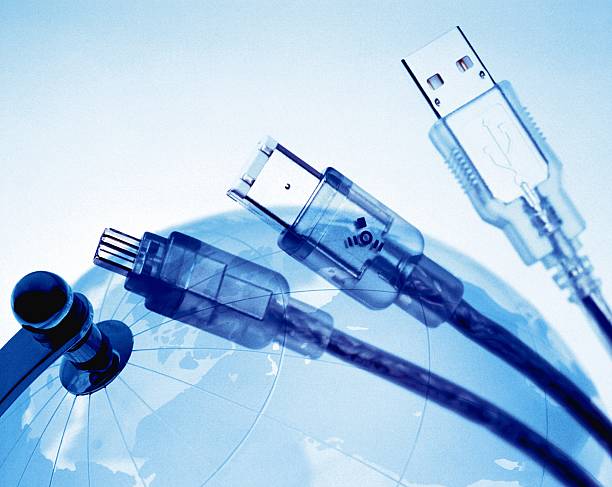
Dongles, docks, and storage quietly hold a streaming setup together. Your mic, webcam, capture card, controller, keyboard, mouse, and lights all want USB ports. A powered USB hub or dock prevents random disconnects and keeps devices stable. Avoid chaining unpowered hubs. Record a local backup while you stream if you plan to edit highlights. Use an SSD for recordings and a separate drive for archives. Cloud backup is great for documents, not massive gameplay files. Label cables so you can fix problems without crawling under the desk.
Software is where peripherals become a stream. OBS or similar lets you add noise suppression, a noise gate, EQ, and compression. Use these lightly. Over-filtered audio sounds robotic and exhausting. Record a test clip, listen with headphones, and adjust. A Stream Deck or macro pad can trigger scenes, mute your mic, or play clips, but hotkeys work fine when starting. Chat can wait. Your job is to play and talk, not become a broadcast engineer mid-match.
Build for comfort and style. Raise your monitor, support your wrists, manage cables, and keep one reliable dock for main devices. A setup that takes ten minutes to start will kill your motivation. A setup that starts with one button will keep you streaming. Buy used gear when it makes sense, and upgrade only when a specific problem annoys you. The best streaming peripheral is the one you forget about. If viewers hear you clearly and see smooth gameplay, you are ahead of most people chasing gear.