Your internet plan says one gigabit, but your speed test keeps landing around 90 megabits. That gap is often not your provider. It is the cable. Ethernet cables are the roads your data drives on. If the road is narrow, potholed, or badly connected, the fastest car in the world still crawls. The good news is that fixing a cable bottleneck is usually cheap, simple, and satisfying.
Cat5e is the old reliable. It handles 1 Gbps up to 100 meters and often works fine. Cat6 is the current sweet spot for most homes. It does 1 Gbps at 100 meters and 10 Gbps at shorter distances, usually up to 55 meters, with tighter twisting and less crosstalk. Cat6a is the serious cable. It handles 10 Gbps at full 100 meters and is stricter about interference. Cat7 and Cat8 sound impressive, but for most homes they are overkill, sometimes use non-standard connectors, and rarely deliver a real-world benefit. The category matters, but only when every other part of the chain can keep up.
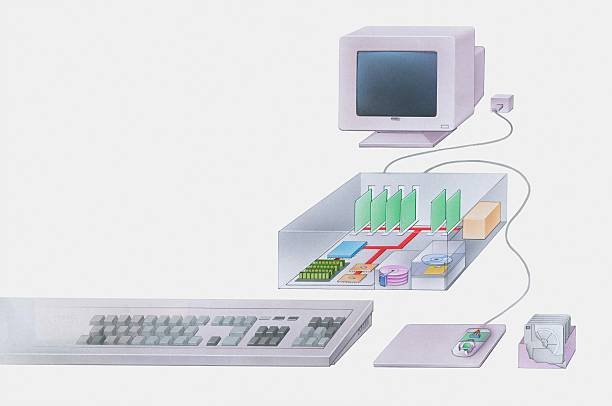
A cable does not create internet speed. It only allows data to move between devices at a certain rate. Your modem, router, switch, wall ports, and the device itself all have limits. If your router has 100 Mbps Ethernet ports, a Cat6a cable will not make it gigabit. If your laptop’s USB-C dock uses a 1 Gbps Ethernet chip, that is your ceiling. If you want 2.5G or 10G networking, every link must support it. That includes the cable, the router or switch, the network card, and sometimes the software settings.
Copper Ethernet has a 100-meter limit for a good reason. Signals weaken with distance. Cheap cables, kinks, staples, and tight bends make that worse. Running a cable next to power lines, motors, or fluorescent lights can introduce interference. Shielded cables can help in noisy spaces, but they must be grounded correctly or the shield becomes an antenna. For most homes, good unshielded twisted pair is enough. Flat cables are tempting for hiding under rugs, but many are not certified to full spec and may fail at higher speeds. Look for pure copper. Avoid copper-clad aluminum, which is cheaper but bad for long runs and Power over Ethernet.
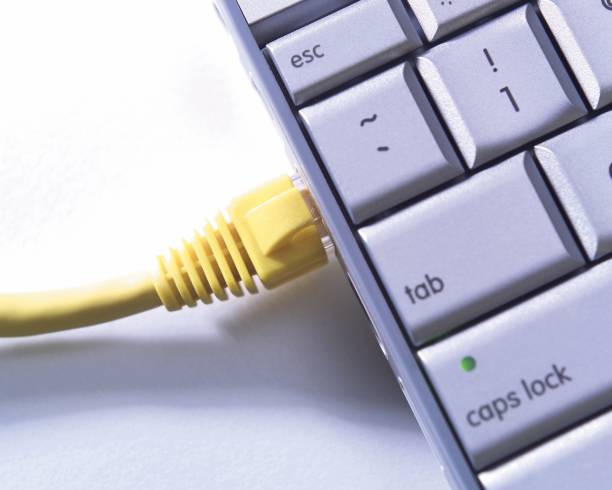
The RJ45 connector is small, but it is a common failure point. A loose crimp, bent pin, or broken tab can drop a gigabit link down to 100 Mbps or cause random disconnects. If your computer reports 100 Mbps on a gigabit network, try a different cable first. Then try a different port. Then check the router. Test with a known good cable. Label your cables so you are not guessing later. A tidy network closet is not just for looks. It prevents accidental unplugging and makes problems easier to find.
For gaming, wired Ethernet lowers latency and jitter. For streaming, a cable keeps 4K video from stuttering when someone else is downloading. For content creators, a wired connection to a NAS or server can make huge file transfers and backups much faster. For remote work, wired video calls are steadier than Wi-Fi. Ethernet is not just about raw download speed. It is about consistency. Wi-Fi is convenient and modern Wi-Fi 6 and 6E can be fast, but walls, distance, and neighbors create variables. Plug in the things that stay put: desktop, TV, console, NAS, and printer. Save Wi-Fi for phones, tablets, and laptops.
For most people, Cat6 patch cables are the right balance. If you already have Cat5e and it works at gigabit, you do not need to replace it immediately. If you are running cable through walls or planning a 10G upgrade, Cat6a is a smart choice. Buy from a brand that publishes specs and certifications. Match the cable to your gear. A $50 cable will not fix a $30 router. A $10 Cat6 cable might fix everything.
Cables are boring until they fail. Then they are the only thing you care about. Do not obsess over the highest category number. Instead, find the weakest link. Check your ports, your router, your modem, and your cable. Replace the cheap mystery cable. Keep runs under 100 meters. Use pure copper. Once you do, you may discover you already had the speed you were paying for. The network just needed a better road.