A desk makeover is not about copying a perfect workspace. It is about removing the small irritations that make you shift, squint, and dig for a charging cable. When you sit down, everything you need should be easy to reach and comfortable enough that you forget about it. You do not need matching furniture or a 4K monitor. You need a tape measure, a critical eye, and a willingness to move things around.
Start by sitting exactly as you normally do. Notice what hurts or annoys you. Is your neck angled down? Are your wrists bent up? Is the monitor reflecting a window? Are cables tangled around your feet? Those are clues. Fixing pain, glare, clutter, and reach will improve your setup more than any expensive accessory.
Measure before you buy. A monitor arm may need inches behind the desk you do not have. Check depth, width, height, and weight support. A flimsy top may sag under a heavy arm. Books or a sturdy box can raise a screen for free, but it should not wobble. If your monitor has VESA holes, a basic arm frees desk space. If not, a riser with storage underneath is next best.
Monitor height is the most common mistake. The top third of the screen should be roughly at eye level. If you use a laptop, do not crank your neck down. Put it on a stand or stack of books, then add an external keyboard and mouse. Keep the keyboard close enough that your elbows stay near ninety degrees. Your wrists should be straight, not bent upward like you are begging the computer for mercy. A wrist rest can help, but a folded towel works while you test the height.
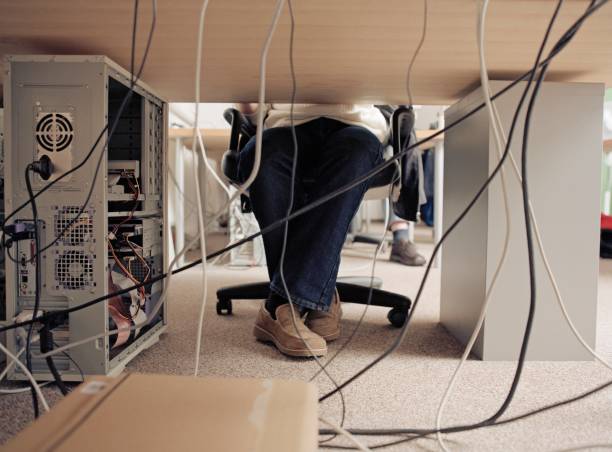
Cable clutter is not just ugly. It makes you avoid plugging things in and makes troubleshooting a nightmare. Unplug everything, untangle it, and group cables by device. Use Velcro ties instead of zip ties. Label power bricks with masking tape. Mount a power strip under the desk if you can, but leave slack so plugs are not strained. Run cables along a desk leg or behind a raceway. Keep daily cables at the front and hide the rest. A laptop dock or hub can replace a nest of dongles: one cable connects your monitor, keyboard, mouse, and network.
Lighting changes how your desk feels. Avoid a bright lamp in your line of sight or a window behind your monitor. Bias lighting behind the screen can reduce eye strain in a dark room. A simple desk lamp with a warm or neutral bulb is enough for paperwork and late-night tinkering. If you record videos, light your face, not the wall behind you. A cheap ring light or lamp with a paper diffuser can make you look less like a witness in a crime documentary.
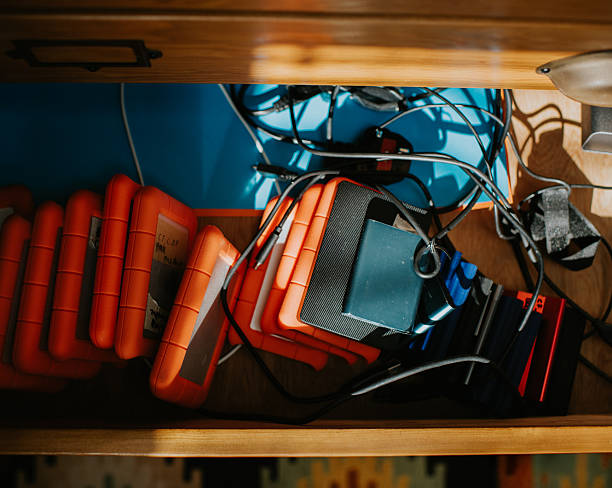
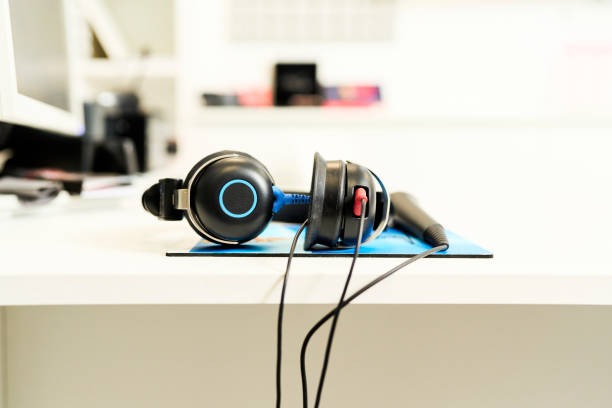
Storage should follow use, not aesthetics. Keep daily items within arm’s reach. Put once-a-week items in a drawer. A small monitor shelf, under-desk drawer, or pegboard can hold pens, drives, adapters, and headphones without eating your work surface. Use a single catch-all tray for keys, wallet, and earbuds. If a surface is always covered, you have too much on it. Clear the space, and your brain gets a little quieter too.
Comfort is personal. A chair that lets your feet rest flat or on a footrest matters more than a fancy gaming throne. A cushion can fix a cheap chair for a while. If your shoulders creep up, lower the keyboard. If your lower back aches, check seat height and add lumbar support. Take a two-minute stretch every hour. No peripheral will save you from sitting like a folded lawn chair for eight hours.
Make the setup easy to maintain. Spend ten minutes at the end of the day returning things to their spots. Once a week, check cable ties and wipe down the desk. Once a month, clear out old papers and unused adapters. A makeover is not a one-time event. It is a series of small adjustments until the desk disappears and the work gets easier. Start with what hurts, fix what you can for free, and upgrade only when a specific problem demands it.