There’s a reason people still reach for an original NES, SNES, Genesis, N64, or PlayStation controller. It’s not only nostalgia. Modern gamepads are marvels of engineering, with haptics, gyros, and back paddles. But retro controllers have personality. They ask less and give more direct feedback. For anyone curious about retro gaming, the controller is the first accessory that makes the past feel present.
The feel matters. A good d-pad snaps. Buttons have short travel. The shape fits your hands in a way that many modern pads do not. There is no need for a manual. This simplicity is why many content creators and casual players keep a retro pad on the desk. It works for 2D platformers, fighting games, and shmups. Even non-technical people can appreciate that.
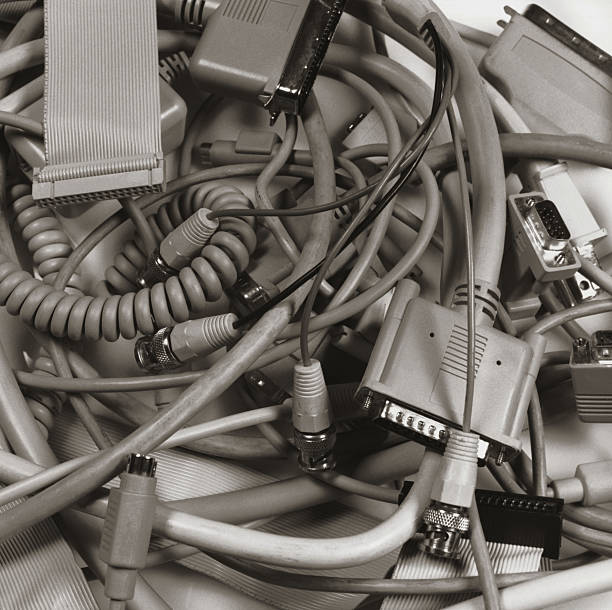
The problem is plugs. Old consoles used proprietary ports. Modern computers use USB and Bluetooth. This is where adapters come in. A USB adapter lets you plug an original controller into a PC, Mac, or Raspberry Pi. A Bluetooth adapter does the opposite: it lets a modern wireless controller talk to an old console. These little boxes are the unsung heroes of retro gaming. They translate button presses without requiring you to solder or code. Some support multiple controllers, turbo modes, and remapping. Look for one that matches your console and controller, and update firmware if needed.
Wireless is possible. Retro Receiver, BlueRetro, and 8BitDo mod kits can cut the cord without cutting the nostalgia. A wireless receiver plugs into the console’s controller port and pairs with a PS4, PS5, Xbox, Switch Pro, or Wii controller. Or you can install a mod kit inside an original controller. That is more involved but still friendly. Benefits include no tripping over cables, no short cords, and no yanking the console off the shelf. Latency is usually fine for casual play. If you play competitive fighting games, wired is still king.
Video accessories matter too. Old consoles output composite, S-video, RGB, or RF. Modern TVs often hate those signals. Cheap composite-to-HDMI boxes can add lag and blur. A better path is a dedicated upscaler or a cable that converts to HDMI cleanly. For non-technical folks, start with a well-reviewed cable for your specific console. If you have multiple consoles, a switch box saves you from crawling behind the TV. A CRT is still the easiest way to get an authentic look and zero lag, but it takes space. A small CRT from a thrift store can be a nostalgic movie night centerpiece.
Power and saves are accessories too. Original power supplies are aging. A modern replacement with correct voltage and polarity protects your console. Memory cards and save batteries are another weak point. If your old game saves vanish, the battery inside the cartridge may be dead. Replacing it requires a screwdriver and a soldering iron, or you can hire a repair shop. For memory cards, modern solutions like MemCard Pro let you store many saves on an SD card. That is a huge quality-of-life upgrade for PlayStation owners.
Maintenance is simple if you are patient. Dirty controller contacts cause missed inputs. Open the controller, wipe the rubber pads and circuit board with isopropyl alcohol, and let it dry. Replace worn rubber pads if buttons feel mushy. A tri-wing screwdriver is often needed for Nintendo gear. Do not soak anything. Do not use household lubricant. Keep screws in a magnetic tray. Test before reassembling. This kind of care makes a 30-year-old controller feel new.
Buying advice matters. Original controllers are often cheaper than modern pro pads, but condition varies. Avoid listings that say “untested” unless you like surprises. Check for cracked plastic, frayed cables, and sticky buttons. Third-party retro-style controllers are fine for casual play, but the d-pad can be mushy. If you want the real thing, buy from a seller who shows the controller working. For adapters, buy from known brands or well-reviewed small makers. Cheap adapters can add lag or drop inputs.
The best setup depends on you. If you play on a modern TV, start with a good HDMI cable or upscaler. If you play on PC, get a USB adapter for your favorite original controller. If you want wireless, try a receiver before you mod. If you love the look, add colored buttons or a translucent shell, but function first. Retro accessories are not just museum pieces. They are bridges. They let old consoles live alongside new screens, new speakers, and new friends. You do not need to be an engineer. You just need a little curiosity and the right adapter.