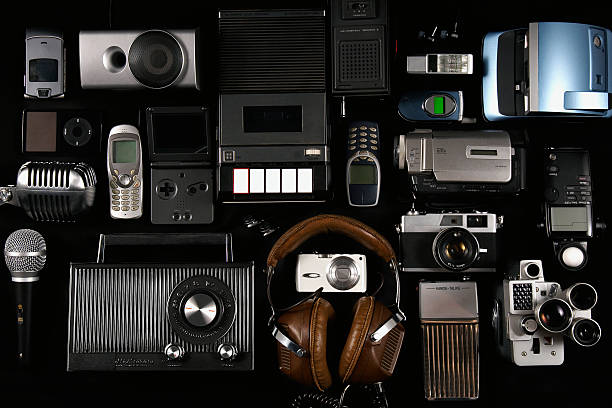
There is a special joy in playing music through beige speakers from 1998. Retro audio peripherals are not junk. They are a cheap, hands-on way to get better sound, learn how computers make noise, and add personality to a desk. You do not need to be an engineer. You need curiosity, a damp cloth, and the willingness to plug things in and see what happens. A little patience helps too.
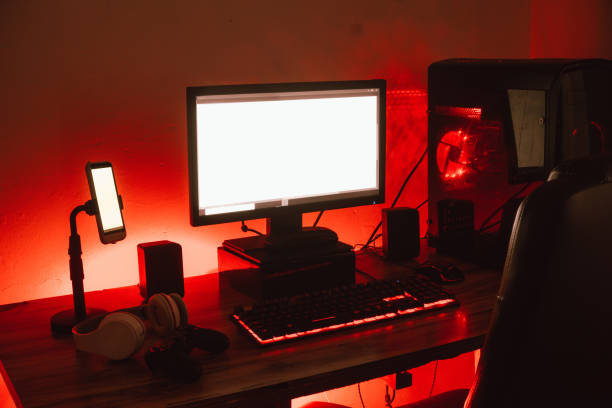
Old computer speakers are the easiest entry point. Look for 2.1 sets with a subwoofer from Altec Lansing, Cambridge SoundWorks, or Creative Labs. Many have a volume knob, a headphone jack, and a satisfying power switch. They were built for desktops, so they fit on monitor shelves and get loud enough for a movie night. A good pair can beat the tinny speakers inside a laptop or monitor. If you find some at a thrift store for a few dollars, take the gamble. If they hum, check the cables and turn the volume down. If they work, you just upgraded your desk for less than the price of lunch.
Sound cards are the next stop. In the 1990s, a Sound Blaster was the difference between beeps and actual music. Old cards are fun in retro gaming builds, but they can be fussy with modern drivers. If you do not want to open a desktop tower, get a similar taste with a USB DAC. A DAC turns digital files into analog sound. It can make old headphones and speakers sound cleaner, and it gives you a volume knob again. That knob keeps you out of software menus every time a video gets too loud.
Headphones get personal. The Sony MDR-7506 has been around since the early 1990s because it is light, tough, and repairable. The Koss Porta Pro looks odd but sounds warm and friendly. Old Walkman-era headphones often have a bass-heavy sound that is not accurate, but it is fun. If foam pads turn to dust, replacements cost a few dollars. If a cable breaks, a new jack can bring them back. That repair is a small rebellion against throwing everything away when one part fails.
Getting old gear to work with new phones and laptops is mostly about adapters. Many phones dropped the headphone jack, so a USB-C or Lightning dongle can connect wired headphones. A Bluetooth receiver turns an old boombox or shelf stereo into a wireless speaker. A 3.5mm to RCA cable connects a phone to a vintage receiver. These little dongles let you keep the gear you love without giving up modern convenience. Watch for hiss and ground loops. If you hear a steady buzz, try a different cable or plug everything into the same power strip. Sometimes the fix is that simple.
Maintenance is part of the hobby. Old speakers may need new foam surrounds. Scratchy volume knobs often just need contact cleaner and a few turns. Old plastic is brittle, so be gentle. Old capacitors can fail, but unless you are comfortable with a soldering iron, leave that to a professional. The goal is not a museum piece. The goal is to enjoy sound. Scratches and taped pads are fine. Character counts.
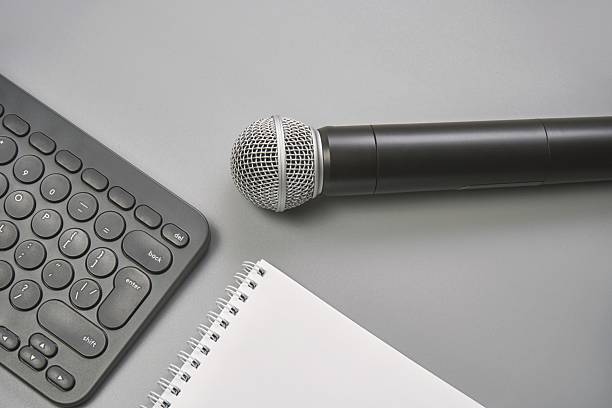
Retro audio also fits content creation. A vintage microphone or a pair of old headphones can add warmth to a podcast or video. A small mixer with physical faders makes recording feel less like staring at a screen. You do not need to replace all your modern gear. Use retro pieces as accents. Old speakers can work as studio monitors for editing. A retro boombox can be a prop and a backup speaker. Test everything and trust your ears. If it sounds good, it is good.
The real appeal is not that old gear is always better. Some of it is noisy, limited, and fussy. The appeal is that it is understandable. You can see a speaker cone move. You can feel a button click. You can fix a cable instead of replacing a sealed gadget. In a world of thin laptops and disappearing ports, that physical connection feels good. It keeps useful things out of landfills and teaches you how your devices actually work. Start with one pair of old speakers or one set of headphones. Clean them, plug them in, and listen. The past still has a lot to say.