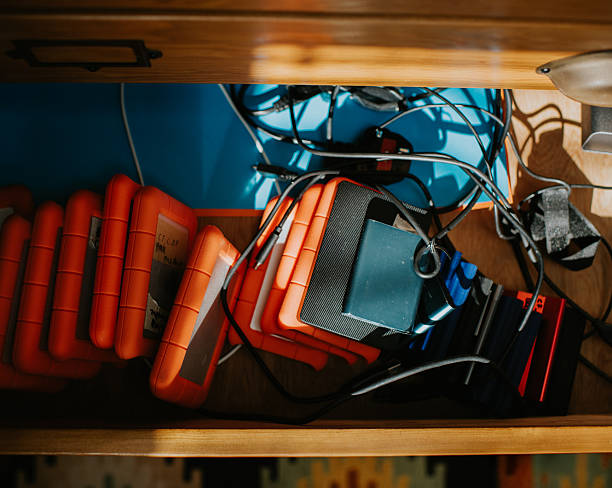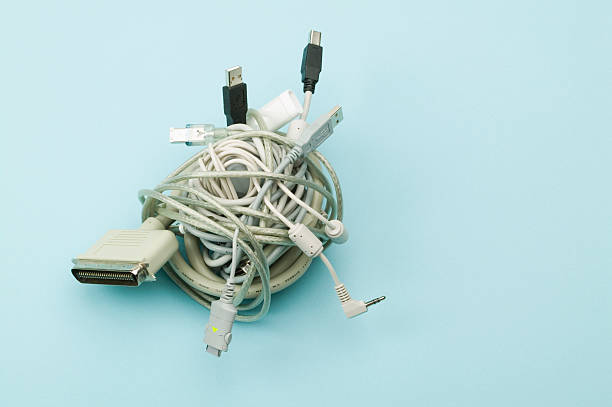
Cables are the tax we pay for modern convenience. You buy a monitor, a dock, a charger, a speaker, and a lamp, and suddenly your desk looks like a robot exploded behind it. The good news is you do not need to be handy, and you definitely do not need to drill holes in your wall. With a few cheap accessories, some patience, and a willingness to crawl under your desk once, you can make the mess disappear without upsetting your landlord or your security deposit.
Start by making the problem smaller. Unplug everything, then look at what is connected. There is always one mystery cable that powers nothing. Maybe it belongs to a device you retired years ago. Maybe it is a spare that came in a box. If it is not plugged in at both ends, it does not deserve prime real estate. Put the extras in a labeled bag away. Fewer cables means less to hide. That is half the battle.
Next, take a picture of the back of your setup before you change anything. This is not because you need a documentary. It is because you will forget which cable went where. A phone photo saves you from the classic mistake of unplugging everything, hiding it beautifully, and then discovering your monitor has no signal. Label the tricky ones with masking tape and a marker. Power, display, network, and peripherals are enough. You do not need a label maker unless you want one.
Now think about paths. Cables look messy when they cross open space, dangle in loops, or bunch up in a knot. They look intentional when they follow edges. Run cables along desk legs, behind furniture, under the lip of a table, or along a baseboard. Adhesive cable clips and raceways are your best friends here. A raceway is a plastic channel with a sticky back that snaps over cables. It comes in white, black, and even wood tones. Clean the surface with rubbing alcohol, let it dry, and press the adhesive firmly. If you rent, choose removable strips and test one in a hidden spot first.
Under your desk, a cable tray or a basket can work wonders. Some trays screw into the desk, but many can be hung with adhesive hooks or clamped to the frame. If you are not comfortable with hardware, use a fabric cable sleeve or a velcro strap to bundle cables against a desk leg. Do not pull them tight. Cables need a little slack, especially the ones that connect to a laptop or a monitor that moves. A tight bundle can strain the connector, and that is how expensive cables die.
Behind a television, the same rules apply. A surface raceway can run from the TV down to the outlet and make the wall look tidy without opening it up. If you have a wall-mounted TV, you can hide the cables in a slim cord cover that is painted to match the wall. This is not as clean as an in-wall job, but it is reversible and cheap. For a floor-level mess, use a cable management box with ventilation. Put the power strip inside, plug in the chargers and streamers, and close the lid. Do not bury a power strip under a rug or behind a curtain where heat can build up.
Safety matters more than aesthetics. Do not daisy-chain power strips. Do not run cables under rugs where they can overheat or get crushed. Keep them away from water, heaters, and pets. Leave breathing room around power adapters. If a cable feels warm, something is wrong. Fix that before you hide it.
Accept that cable management is not a one-time event. Devices change, seasons change, and mystery cables appear. Every few months, spend ten minutes tidying the worst spot. The goal is not a showroom but a room that feels calmer, cleans easier, and does not make you trip when you stand up. When visual noise drops, your brain can relax. That is real comfort upgrade. You do not need to be technical. Just use a few sticky clips, a little planning, and the confidence to hide the mess without hiding your ability to unplug later.