An audio interface is not a magic box that makes you sound like a studio. It translates analog signals from microphones, guitars, and keyboards into digital data your computer can record, then sends audio back to headphones or speakers. Everything else is convenience, control, and clean sound. Once you understand that, the specs stop being scary.
The first spec to care about is inputs. Count how many things you need to record at once. A solo podcaster can live with one XLR input. A singer-songwriter who wants vocals and guitar together needs two. A small band or drummer needs more. Combo jacks are helpful because they accept XLR and quarter-inch cables. If unsure, buy one more input than you think you need.
Next comes the preamp. This boosts a weak microphone signal to a usable level. You need enough clean gain and a low noise floor. If you use a gain-hungry dynamic mic like the Shure SM7B, look for at least sixty decibels of gain or plan to add an inline preamp. With a condenser mic, almost any modern interface is fine. Listen for hiss, not marketing words.
Phantom power is labeled +48V. It sends power down the XLR cable to condenser microphones and some active ribbon mics. Dynamic mics do not need it. Most modern interfaces include it, but check whether it works per channel or globally. Do not panic about accidentally leaving it on for a dynamic mic. It rarely causes damage, though it can make some old or unusual ribbon mics unhappy.
Gain staging is where beginners get tripped up. Set input gain so the loudest parts peak around minus twelve to minus six decibels. That gives headroom and keeps distortion away. If the signal is too quiet, raise the gain. If it clips, lower it. Do not record as hot as possible. Clean and boring beats loud and crunchy.
Monitoring matters just as much. Direct monitoring lets you hear your input before it goes through the computer, avoiding latency. If you add software effects while recording, lower your buffer size to reduce delay. A buffer of 128 or 256 samples is usually fine. This is the part that trips up new creators the most, but it is easy once you know the numbers. If your computer crackles, raise it. On Windows, use an ASIO driver when possible. On Mac, Core Audio handles most of it. If you hear an echo, you probably have both direct and software monitoring on.
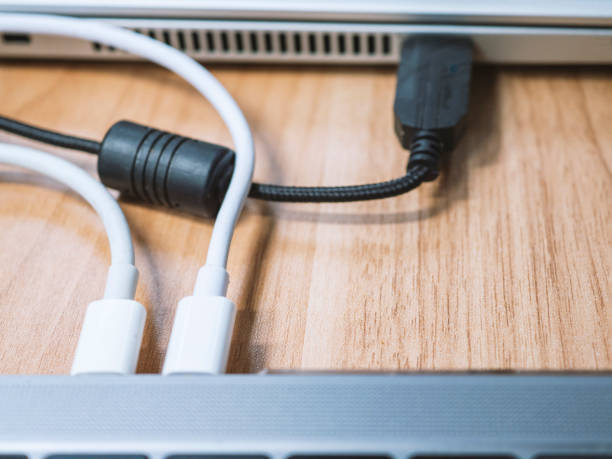
Connection type is less dramatic than salespeople suggest. USB-C is nice, but USB 2.0 is plenty for most home studios. Thunderbolt is overkill unless you run huge track counts. Bus-powered interfaces are convenient, but they can struggle with phantom power and high headphone volumes. Plug directly into your computer when recording. USB hubs cause mysterious dropouts.
Outputs and headphone amps deserve attention. High-impedance headphones need a strong headphone output or they sound thin and quiet. For studio monitors, balanced TRS or XLR outputs reject noise over longer cables. If you plug a guitar into a line input, it will sound weak. Use an instrument input or a DI box. For streaming, loopback is a killer feature because it mixes computer audio into your interface without a cable mess.
Sample rate and bit depth are often overthought. Forty-eight kilohertz and twenty-four-bit is the practical standard for creators. It sounds great, edits well, and does not bloat your hard drive. Higher sample rates help specific sound design or pitch-shifting work, but they eat CPU and storage. They will not fix a bad room or a bad microphone. Trust your ears more than the numbers. Spend money on treatment, a decent mic, and practice before chasing numbers.
The best audio interface is the one that disappears. It turns on, connects, gives you enough clean inputs, lets you monitor without delay, and does not make you fight drivers. Buy for your real needs, leave a little room to grow, and learn your gain knobs. Your microphone, your room, and your performance matter more than any spec sheet. Get a clean signal in, keep it under control, and get back to making things.