Most people make backups only after a scare. They copy photos to an external drive, drag files to the cloud, and feel safe. But a backup is not a backup until you can restore from it. If you have never opened a file from backup, you do not know whether it works.
Sync is not backup. Sync mirrors mistakes. Delete a file on your laptop, and it vanishes from the cloud too. Ransomware encrypts your files, and sync copies the encrypted versions over your good ones. A real backup keeps history. It lets you go back to yesterday, last week, or last year.
The classic rule is simple: three copies of anything you cannot lose. The original on your computer, two backups, two different types of storage, and one copy somewhere else. You do not need an enterprise data center. A laptop original, an external SSD at home, and a cloud copy off-site is enough for most people. The best setup is the one you will actually maintain.
Storage hardware matters, but it should not become a hobby you never finish. External SSDs are fast and tough. Large hard drives are cheaper per terabyte and fine for photos, video, and archives. A USB-C dock or a simple SATA-to-USB adapter can turn an old internal drive into a backup drive. If that drive stays plugged in, malware can reach it. Unplug it after each backup, or use a drive with a power switch.
Schedule beats willpower. Set automatic backups for the folders you care about, then check them once a month. Windows File History, macOS Time Machine, and most NAS apps can run on a schedule. Back up documents, photos, tax records, password manager exports, creative projects, and game saves. You do not need to clone your entire operating system every night. Separate the irreplaceable from the replaceable.
A backup strategy fails when it is too complicated to keep alive. Pick one main backup drive and one cloud service you understand. Label the drive. Write down what is on it. Store passwords in a password manager. If someone else needs to recover your files, they should not have to guess. Keep a small encrypted USB drive with critical documents in a fireproof safe or a trusted relative’s drawer.
The step almost everyone skips is the restore test. A backup is only proven when it gives files back. Once a month, restore one file and open it. Once every six months, restore a folder to a different drive and check that the files are not corrupted. Log into your cloud backup through a browser and download something important. If the software says success, do not stop there. Ten minutes of testing can save years of memories.
Versioning is your safety net against ransomware and accidental deletes. A good backup keeps multiple historical versions of each file. Some tools keep versions for thirty days, others for a year. Cloud sync tools often do not count as backups because they copy changes instantly, including bad ones. Use backup software with version history, and keep at least one copy offline or unplugged. Turn on two-factor authentication for cloud accounts.
For laptops with few ports, a USB-C hub or dock makes backups easier. Plug in the drive, let the software run, then eject and unplug. That small dongle routine is more valuable than a drawer full of unused cables. If you use an NVMe enclosure or SATA dock, keep the drive cool and dust-free. Heat and vibration kill drives.
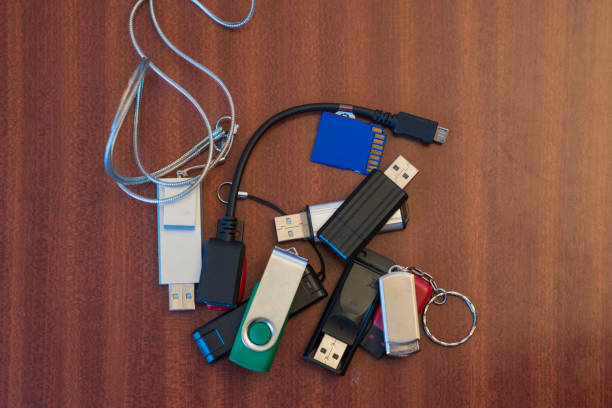
Common mistakes are predictable. Buying a huge drive but never plugging it in. Using one cloud folder as your only backup. Backing up only when you remember. Keeping the backup drive next to the computer so a theft or fire takes both. Trusting a cheap flash drive with everything you love. Flash drives fail, get lost, and are easy to overwrite. Use them for transfers, not as your only archive.
A simple plan works for most people. Keep the original on your computer. Add an external SSD or hard drive with versioned backups running daily. Add a cloud backup for the most important folders. Once a month, plug in the external drive, let it catch up, then unplug it. Once a quarter, restore a random file and confirm it opens. A NAS with RAID is nice for uptime, but RAID is not a backup. Keep an off-site copy too.
A backup strategy that works is boring. It runs quietly. It survives spilled coffee, a stolen bag, a failed drive, and a ransomware pop-up. Start small. Pick the folder you would panic about losing. Back it up two ways, with one copy off-site. Then test a restore. That single test turns hope into a plan. Peace of mind is the best peripheral you can own.