Most people don’t think about disaster recovery until they’re staring at a black screen, a ransom note, or a soaked laptop bag. The good news is that a solid plan doesn’t require an IT department. It requires honesty about what you’d lose sleep over and a few simple habits that run quietly in the background. The goal isn’t to prepare for every catastrophe. It’s to make sure that when something goes wrong, you can get back to normal without losing the photos, documents, and memories that matter.
Start by deciding what “back to normal” looks like. Imagine your laptop dies tomorrow. What do you need first? Probably email, banking, work files, and passwords. Then family photos, tax records, and that folder of recipes you’ve been building for years. Write that down in plain language. This is your recovery priority list. It just needs to separate the truly important from the nice-to-have. If you never write it down, you’ll waste precious time hunting through old drives while everyone else is asking why the internet is still broken.
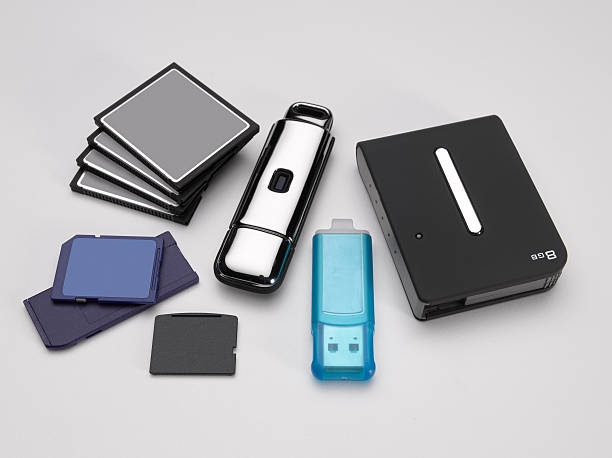
The backbone of any disaster recovery plan is the 3-2-1 rule. You want three copies of your important data. Two copies should be on different kinds of storage, like the original on your computer and a backup on an external drive. One copy should be off-site, somewhere other than your home or office. That could be a cloud service, a drive at a trusted friend’s house, or a small SSD in a safe deposit box. Fire, flood, theft, and ransomware don’t care about your good intentions. If all your copies are in the same room, one bad day can take them all.
But sync is not backup. Many people think that because their files are in the cloud, they’re safe. Cloud sync is convenient, but if you delete a file and that deletion syncs everywhere, you’ve just deleted your backup. Cloud backup is different. It keeps versions and lets you restore older files. Check what you’re actually paying for. A free sync service is not a disaster recovery plan. A proper backup service might cost a few dollars a month, which is cheaper than a data recovery specialist and much less painful than telling your family the baby photos are gone.
A plan you never test is just a wish. Once a month, restore one file from your backup. Pick a random photo or document and open it from the backup copy. If you can’t do that, your backup isn’t real. Also check that your external drive is plugged in and running. It’s amazing how many people discover their drive stopped backing up six months ago because the cable was loose or the software was disabled. Set a calendar reminder. Ten minutes of checking beats a weekend of panic.
Don’t forget the keys to your digital kingdom. If your house burns down and your password manager is locked behind a phone that melted, you need a way back in. Use a password manager, but also keep an emergency kit. That can be a printed sheet with your master password, recovery codes, and account details stored somewhere safe, like a fireproof box or with a trusted relative. Update it when you change important passwords. Paper can be lost or stolen, but a locked drawer is better than relying on memory during a crisis.
Ransomware and account takeovers are disaster recovery scenarios too. If your files get encrypted or your email gets hijacked, disconnect the device from the internet. Don’t pay unless a professional tells you there’s no other choice. Restore from a backup that isn’t connected to the infected machine. This is why an off-site or offline copy matters. If your only backup was plugged into the computer when ransomware hit, it may be encrypted too. Rotate drives. Keep one disconnected.
The best disaster recovery plan is the one you actually maintain. Keep it simple. Label your drives. Store one copy away from home. Test a restore. Write down your priorities and passwords. Then go live your life. You don’t need to be a nerd to survive a digital disaster. You just need a few boring habits that work when everything else has stopped working.