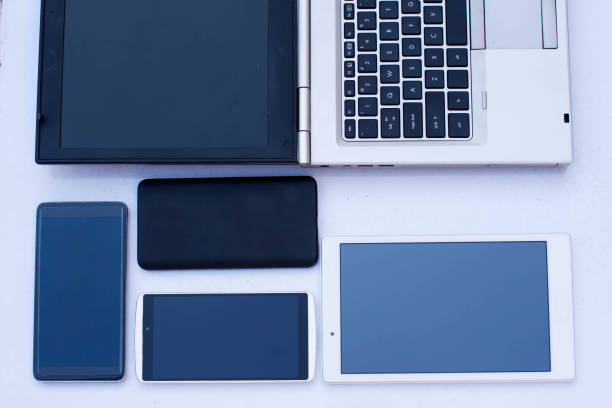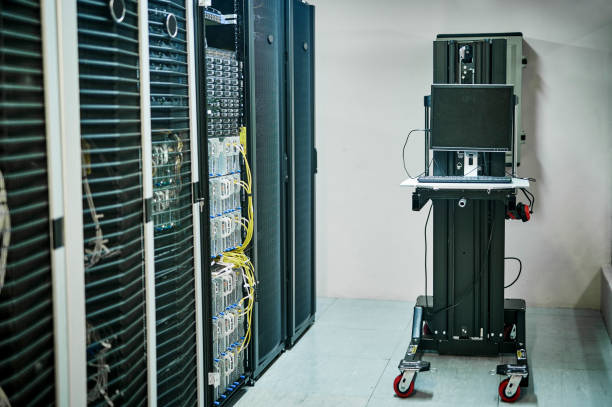
A home NAS sounds like something only a server admin would love, but it is really just a computer that lives on your network and shares files. NAS stands for network attached storage. Instead of plugging a hard drive into one laptop, you plug it into a small always-on machine, then every phone, tablet, laptop, and TV in the house can reach it. That means your photos stop living in five different cloud accounts, your movies stop disappearing when a streaming service drops them, and your backups happen without you remembering to plug in a drive. You do not need a rack of enterprise gear. An old desktop, a retired laptop, a Raspberry Pi, or a cheap mini PC can do the job.
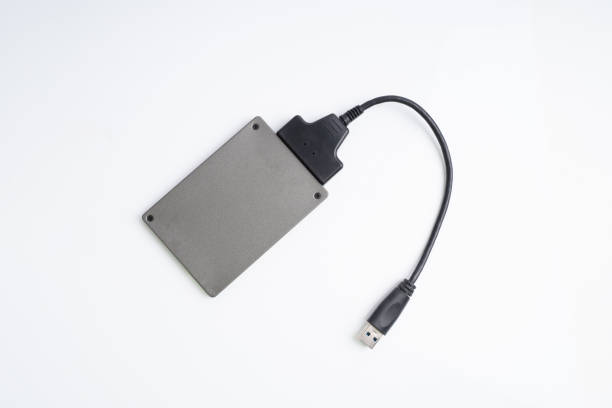
The first question is hardware. For most homes, a modern NAS does not need a fast processor. It needs reliable storage, enough memory, and a wired network connection. Four to eight gigabytes of RAM is plenty for file sharing, phone photo backups, and a movie server. Drives matter more. Use at least two drives: one for your active data and one for backup. If you can afford it, use three: one for data, one local backup, and one you rotate offsite. RAID can protect against a single drive failure, but it is not a backup. RAID will not save you from accidental deletion, ransomware, fire, or theft. A USB drive dock is a handy tool here. It lets you pull old drives from laptops, copy data quickly, test used drives, and clone backups without opening a case.
Software is where people freeze. You have options. TrueNAS, Unraid, and OpenMediaVault are popular DIY systems. They can be intimidating, but each has guides and friendly communities. If you want the easiest path, buy a two-bay Synology or QNAP and let the box do the work. If you want to learn and save money, install OpenMediaVault on an old PC. For movies and music, add Jellyfin or Plex. For photo backups, use the NAS apps or your phone’s sync tools. The setup is usually the same: install the operating system, give the machine a fixed local IP address, create shared folders, add user accounts, and turn on SMB sharing so Windows and Mac computers can see it. Name folders clearly: Photos, Documents, Movies, Backups, Shared.
Backups are the whole point. A NAS makes backups easy, but only if you configure them. Point your computers at it with File History or Time Machine. Set your phone to upload photos when charging on Wi-Fi. For important documents, keep a copy in cloud storage too. Follow the 3-2-1 rule: three copies, on two different types of media, with one copy offsite. Your NAS is the local copy. An external drive in a drawer is the second. A cloud account or a drive at a relative’s house is the third. Do not open your NAS to the public internet. If you want remote access, use a VPN like WireGuard or Tailscale.
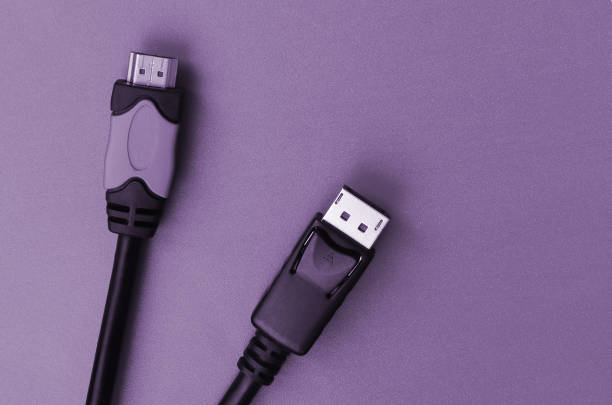
A home server can also improve your media life. Store your own movies, shows, home videos, and music. Stream them to a TV, tablet, or game console. Use a dongle or streaming stick to reach the NAS over your network. For gamers, a NAS can hold game backups, mod archives, and captures. Keep the server somewhere ventilated. Noise matters. A closet with no airflow is a bad idea, but a bedroom shelf full of spinning drives is worse. A small uninterruptible power supply can prevent crashes during brief outages and protect your data.
Start small. One shared folder. One automatic phone backup. One computer backup. Then add streaming, remote access, and extra drives. You do not need to be a network engineer. You need patience, labels, and a willingness to read instructions twice. A home NAS is not glamorous. It is quietly useful, like a good dock or a reliable keyboard. It saves subscription fees, keeps your memories local, and teaches you how computers really talk to each other. Once it is running, you will wonder why you trusted a random cloud folder with everything.