The biggest mistake new streamers make is buying a giant bundle of gear before they know what they actually need. You do not need a studio. You need a clear voice, decent light, a stable connection, and a setup you can sit in for a few hours without wanting to throw it out the window. Everything else is a bonus. Start with the weakest link, not the flashiest spec sheet.
Audio comes first. Viewers will forgive a slightly soft webcam picture, but they will leave if your voice sounds like it is coming from the bottom of a soup can. A USB microphone is the easiest first step. A dynamic microphone is usually friendlier for beginner rooms because it ignores more background noise than a sensitive condenser mic. Put it close to your mouth, slightly off to the side so you avoid plosives, and keep your keyboard and mouse away from it. Closed-back headphones let you hear your own audio without leaking game sound back into the mic. Set your gain so normal speaking hits around the middle of the meter, not the top. If you are clipping, lower the gain. If you sound quiet, move closer before you turn anything up.
Lighting is the next cheap win. A good camera with bad lighting looks worse than a basic camera with good lighting. Put a soft light in front of your face, not behind you. A window can work if it is in front of you, but it will change as the day goes on. A ring light or LED panel with a diffuser is more consistent. Avoid harsh overhead lights that create raccoon eyes. Match your light color to your room so you do not look orange on one side and blue on the other. For a webcam, 1080p at thirty frames per second is plenty for most beginner streams. Do not chase 4K until your audio and lighting are already solid.
If you stream from a console, a capture card is the piece that lets your computer see the game. A 1080p sixty frames per second card is more than enough for beginners. Do not buy a 4K card just because it exists. Check that your computer has the right USB port and enough free storage. Capture cards can be fussy about USB hubs, so plug directly into the computer when possible. If you must use a hub, make it a powered one. For PC gaming, you do not need a capture card at all. OBS or a similar program can grab the game and your microphone directly. Keep your scenes simple: game, camera, mic, maybe an alert box. Simple scenes crash less and are easier to fix when something goes wrong.
Your internet connection matters more than most people admit. Wired Ethernet beats Wi-Fi for streaming, full stop. Wi-Fi can work, but it introduces random drops that are hard to troubleshoot. Test your upload speed and set your bitrate below it. Run a test recording for ten minutes. Listen to it. Watch it. Check for audio drift, echo, and frame drops. Fix one problem at a time. A stream that looks plain but sounds great is better than a beautiful stream that stutters.
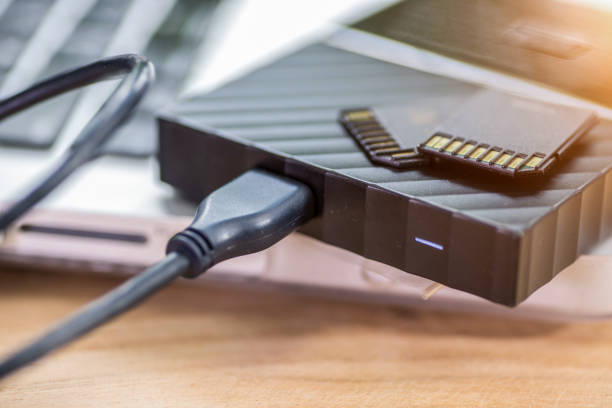
Comfort is gear too. You will sit for hours, so do not ignore your chair, desk height, monitor position, and cable mess. A quiet keyboard and mouse reduce microphone noise. A footrest, a decent chair, and a monitor at eye level save your neck. Manage cables so you are not kicking a power strip every time you shift. If you use multiple devices, a simple USB hub or dock can keep things tidy, but label your cables.
The best upgrade path is boring: use what you have, record yourself, find the weakest part, and fix only that. Do not buy a mixer if a USB mic solves your problem. Do not buy a fancy webcam if your lighting is bad. Do not buy storage you do not need until you start recording and editing. Your first streams will not be perfect. Get the basics right, keep the setup simple, and improve one thing at a time. The audience came for you, not your gear list. Good enough, used consistently, beats expensive and unused.