A desk setup makeover isn’t about buying the most expensive gear or copying a minimalist influencer’s battlestation. It’s about making the space between you and your screen work better. If your neck aches, your cables look like a nest of snakes, and you can never find the right dongle, the problem isn’t you. It’s the setup. The good news is that you can fix most of it in an afternoon with a tape measure, some zip ties, and a willingness to move things around.
Start with the chair and the screen, because comfort beats aesthetics every time. Your monitor’s top edge should sit roughly at eye level, or slightly below. If you’re looking down, you’re asking for neck pain. If you’re looking up, your eyes dry out faster. A stack of books works fine as a monitor riser until you buy an arm or stand. Your chair should let your feet rest flat and your knees bend at about a right angle. If your feet dangle, add a footrest or a sturdy box. If your wrists bend upward while typing, lower your keyboard or raise your chair.
Next, deal with light. A desk facing a bright window can turn your screen into a mirror. A desk facing a blank wall can make you feel like you’re working in a cave. Try to put the screen perpendicular to the window, so daylight comes from the side. Add a warm desk lamp for evening work, and avoid cool overhead fluorescents if you can. If you’re on video calls, a small ring light or a lamp behind your laptop gives you a friendlier look than the glow of a spreadsheet.
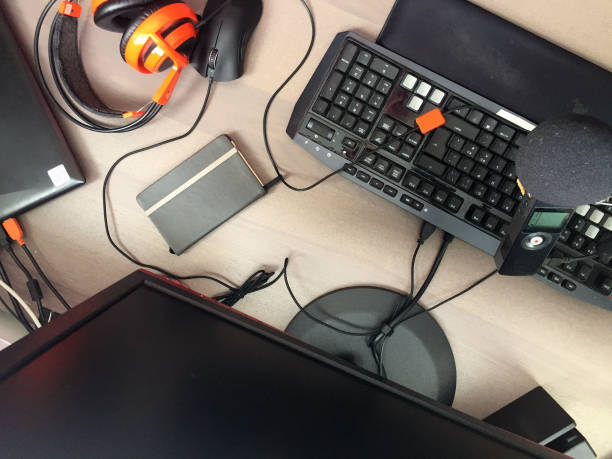
Cable chaos is the enemy of a clean desk. You don’t need to hide every wire in the wall. You just need to stop them from pulling, tangling, and yanking your devices off the desk. Start by unplugging everything and untangling what you have. Group cables by where they go: power, display, peripherals, charging. Use velcro straps instead of plastic zip ties, because you’ll want to change things later. An under-desk cable tray or a simple basket can hold the power strip and brick chargers. Future you will be grateful when you need to swap a monitor or add a docking station.
A docking station or hub is the secret weapon for laptop users. Instead of plugging in five cables every morning, you plug in one. That single connection can carry power, video, ethernet, audio, and USB. For gamers, look for a dock that supports the refresh rate and resolution your monitor needs. Keep the dock in a fixed spot, and leave the cables connected to it. Your laptop becomes portable, and your desk stays ready.
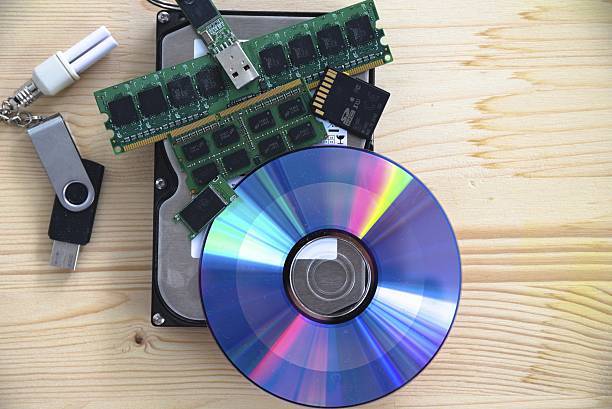
Storage and backup deserve a spot in the makeover, too. A messy desk often has loose flash drives, a forgotten external hard drive, and a phone that’s always at one percent. Give each device a home. A small drawer organizer can hold drives, adapters, and memory cards. If you’re serious about not losing photos or work, set up automatic backup to an external drive or cloud service. Plug the drive into your dock or hub so it’s always connected when you’re at the desk.
Finally, think about zones. Your desk doesn’t need to be empty to be organized. It needs to match what you actually do. If you game, leave room for mouse movement and a headset stand. If you make content, keep the microphone within easy reach and the camera aimed at your face, not your ceiling. If you watch movies, a second monitor or a small TV can turn the desk into a mini theater. Use a monitor arm to stack screens or angle them, and keep the most-used items within arm’s reach.
Style matters, but only after function. Once the basics are right, you’ll sit down, plug in one cable, and get to work without a fight. That’s the real goal of a desk setup makeover: not a picture-perfect desk, but a space that disappears so you can focus on what you’re doing.