Consoles are designed to work right out of the box, but the box is only a starting point. The included controller is fine. The built-in storage usually is not. TV speakers are almost always bad. And if you share the couch, one controller is never enough. The trick with console accessories is not buying everything with a logo and LED lights. It is finding the few add-ons that remove daily annoyances: dead batteries, full drives, muddy audio, and cramped hands. That is where your money should go.
The first accessory most people should consider is a second controller. Even if you mostly play alone, a spare controller means you can keep playing while one charges or hand it to a friend without a setup lecture. Look for first-party controllers because they pair instantly and get firmware updates. Third-party pads can be great, but check reviews for stick drift and lag. If you play shooters or racing games, back buttons or paddles can be useful, but they are not magic. Hall-effect sticks are worth seeking out because they are less likely to drift over time. Skip the cheapest no-name controllers unless you enjoy replacing them every few months.
Charging is the next small problem that becomes huge. A charging dock is one of the best console accessories because it gives your controllers a home. For Xbox, rechargeable AA batteries plus a smart charger are often cheaper and more flexible than a play-and-charge kit. For PlayStation and Switch Pro controllers, a dock or a long braided USB-C cable will do. Avoid cheap chargers that get hot or feel loose. A controller that disconnects mid-match because the cable wiggled is worse than no cable at all. Keep one long cable near your seat.
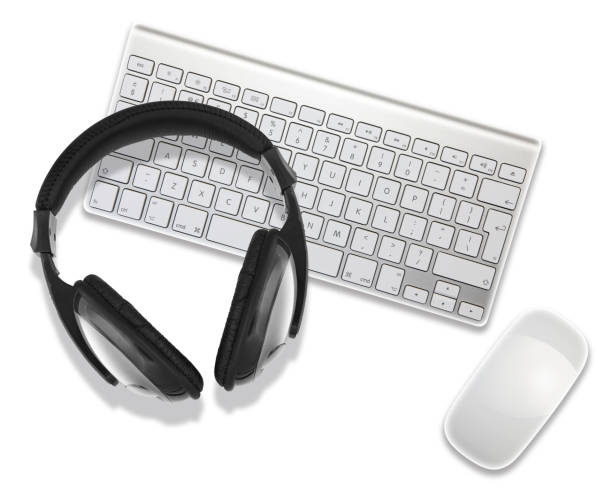
Audio is the upgrade people notice immediately. TV speakers compress explosions, muffle footsteps, and make dialogue sound like it is coming through a pillow. A wired headset that plugs into your controller is the simplest fix. Wireless headsets are more convenient, but choose one that is officially compatible with your console or uses a dedicated dongle. Comfort matters more than virtual surround sound. If the headset clamps your ears after an hour, you will stop using it. For voice chat, a boom mic is still the clearest option. If you play alone and hate headsets, a soundbar or bookshelf speakers can transform movie nights and single-player games.
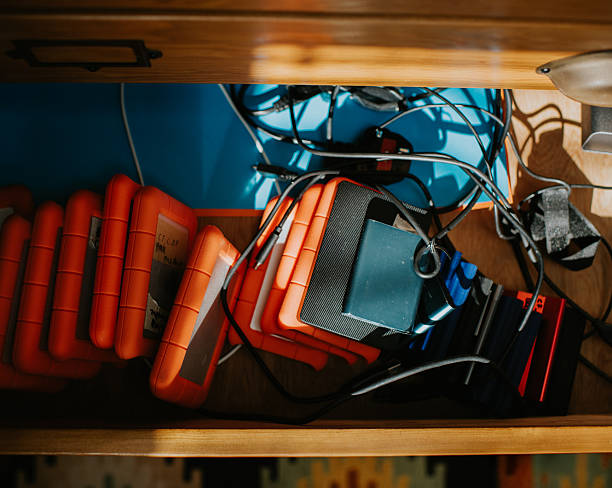
Storage is where console owners feel the pain. Modern games can be enormous. An external USB SSD is excellent for storing last-generation games and moving current ones. It will not make current-generation games load as fast as the internal drive. For current-generation titles, you need the right internal solution. Xbox Series consoles use proprietary expansion cards. PlayStation 5 accepts certain NVMe drives with a heatsink. Switch owners just need a good microSD card. Buy from a known brand and avoid mystery drives from marketplaces. A failed drive costs more than the few dollars you saved.
Connectivity accessories matter more than they used to. Your console probably includes an HDMI cable, but it may not support 4K at 120Hz or variable refresh rate. If you have a newer TV, a certified HDMI 2.1 cable is a cheap way to unlock the full picture. If you stream or record gameplay, a capture card is the real content creator accessory. It lets you send console video to a computer without pointing a phone at the TV. USB hubs can help if you have many accessories, but plug power-hungry drives directly into the console when possible.
Finally, think about comfort and protection. Controller grips help if your hands sweat. A carrying case is worth it if you move your Switch or take your controller to a friend’s house. Cooling fans are usually unnecessary if your console has open air. The best accessory is often boring: a good surge protector, a dust cover when the console is off, and a labeled box for cables. Buy one useful thing at a time. If an accessory promises to make you a pro, it is probably selling hope. If it makes your setup easier, more comfortable, or more reliable, it is worth it.