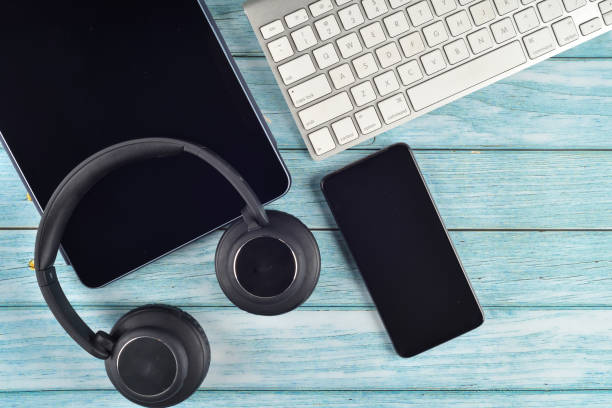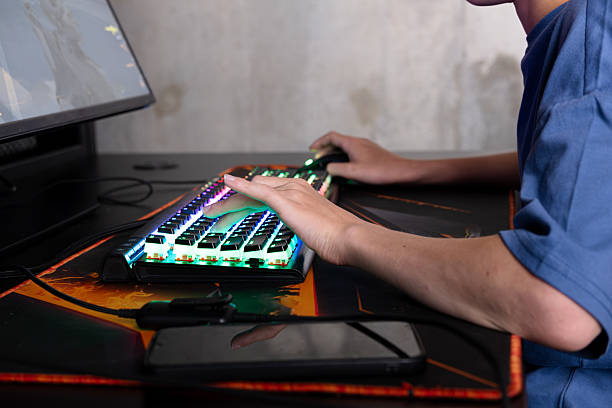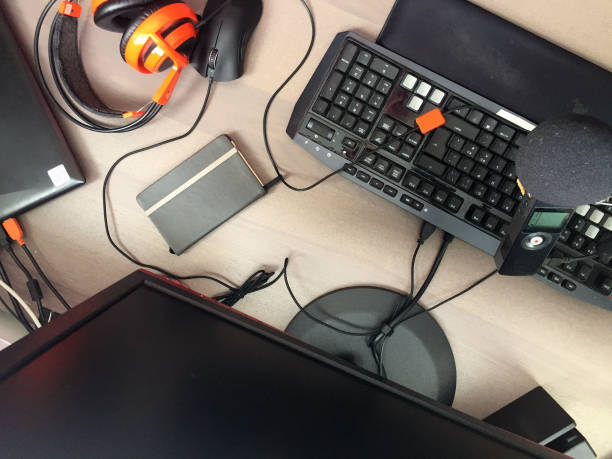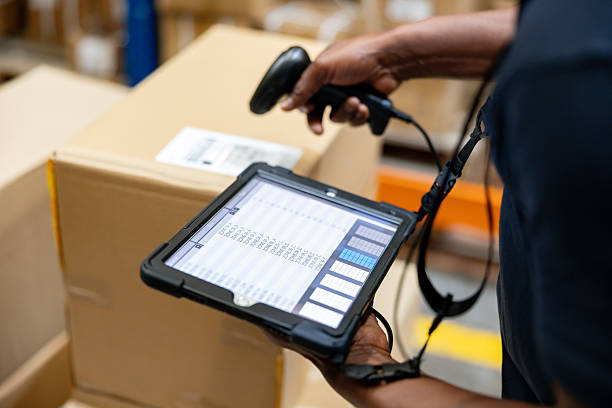
Your phone is already a serious camera, a decent microphone, and a full editing suite. What it is not, by itself, is a comfortable or reliable production tool. The moment you try to record a moving shot, capture clean dialogue, work past sunset, or film longer than a single battery cycle, the limitations show up fast. Mobile creator accessories exist to close those gaps. The trick is knowing which ones actually earn their place in your bag and which ones are just plastic clutter.
Stability comes first because shaky footage screams amateur faster than almost anything else. A small tripod with flexible legs can turn a phone into a steady interview camera, a overhead food-shot rig, or a tabletop streaming setup. Look for one with a solid clamp and a ball head, not the flimsy spring-loaded kind that slowly droops during a shoot. If you walk and talk, a powered gimbal smooths out footsteps and keeps the horizon level. If you mostly film yourself at a desk, save the money and get a sturdy mini tripod plus a remote shutter. A magnetic mount can make setup faster, but only if your phone or case supports it well. The goal is not to look like a film crew. The goal is to get a clean, usable shot without asking your viewer to tolerate motion sickness.
Audio is the upgrade most people delay too long. Phone microphones are fine for a quick voice memo, but they pick up traffic, air conditioners, keyboard clatter, and the echo of every empty room. A simple lavalier mic plugged into your phone via USB-C or Lightning makes a huge difference for talking-head videos, interviews, and vlogs. Wireless systems cost more, but they cut the cable and let you move naturally. Whatever you choose, use a wind muff outdoors. Even a light breeze can ruin a take that looked perfect on screen. If you record in loud places, get the mic close to the speaker. No accessory can fix bad placement. Headphones help you monitor levels, and a simple adapter or mobile audio interface can turn a phone into a surprisingly capable recording device. Great audio is not glamorous, but it is the difference between a video people finish and one they click away from.
Lighting is next. You do not need a full studio panel. A pocket-sized LED light with adjustable color temperature can rescue a dim room, add a catchlight to your eyes, and separate you from a boring background. Soft light beats bright light. If the fixture is harsh, put a diffuser over it or bounce it off a white wall. Magnetic lights are convenient because they stick to metal surfaces, but check that they do not overheat or flicker on camera. A small reflector can do wonders with window light, and it never needs charging. For product shots, a simple light box or even a white foam board can make cheap items look intentional. The best lighting setup is the one you will actually set up. If it takes twenty minutes to assemble, you will stop using it by week two.
Power and storage are the invisible accessories that keep a shoot from ending early. A high-capacity power bank with pass-through charging lets you run your phone all day, but pay attention to wattage and cable quality. Cheap cables charge slowly and fail at the worst time. Storage fills up faster than you expect, especially with 4K video and high-resolution photos. An external SSD, a card reader, or a mobile hub with USB ports can move footage off your phone before you run out of space. Back up your files somewhere else as soon as you can. Cloud storage is convenient, but it is not a backup if it is your only copy. The old rule still works: keep three copies, on two different kinds of media, with one off-site. For mobile creators, that might mean phone, SSD, and cloud. Boring? Yes. But losing a day of filming is worse.
Mounting and ergonomics matter more than most people admit. A phone cage with a top handle makes low-angle shots easier. A grip improves one-handed filming. A chest mount can capture hands-free footage. A cold shoe lets you add a light or microphone without juggling three separate clamps. Keep the rig light enough that you will carry it. If it becomes a hassle, you will leave it at home. Cable management is also part of comfort, because dangling cords snag on everything and eventually break. Test your setup before the shoot. Record a minute of video, check the audio, check the battery, check the storage. Then put it all in one bag so you are not hunting for adapters while the light is fading.
Start with audio and stability. Add light when you need it. Add storage before you run out. Skip the giant kit that promises everything and does nothing well. Buy pieces that fit your phone, your case, and your habits. Then practice. A phone with a few thoughtful accessories can outperform a fancy camera that stays in the closet. That is the whole point of a mobile creator toolkit: less friction, more finished work.