Most people start making videos on a phone by obsessing over the camera. That makes sense; the camera is what you see. But your phone’s camera is already better than you think. Its microphone is not. Viewers will forgive a slightly soft shot or a little shake. They will not forgive audio that sounds like a drive-thru speaker. If you want mobile videos to feel watchable, fix how your phone hears you.
The built-in mic is designed for phone calls, not storytelling. It picks up air conditioning, traffic, keyboard clatter, room echo, and the person two tables away. It also picks up handling noise when your fingers brush the phone. You can record in a quiet closet, but you cannot carry a closet with you. A dedicated microphone is the accessory that gives you the biggest improvement for the least money.
Start with a wired lavalier microphone. A lav clips to your shirt and makes your voice sound close. It costs little and beats your phone’s mic. The catch is the connector. Many phones lack a headphone jack, so you need an adapter: Lightning for older iPhones, USB-C for newer iPhones and most Android phones. You also need to know whether your lav uses TRS or TRRS. Most phone-friendly lavs use TRRS. Test before you record.
A wireless mic system is the next step. It usually includes one or two small transmitters and a receiver that plugs into your phone. Clip a transmitter to your collar, turn it on, and walk around without a cable. This is great for vlogs, interviews, and anything where you move. Do not use Bluetooth earbuds as a microphone if you care about quality. Bluetooth compresses your voice, adds delay, and drops out. Look for a 2.4 GHz system made for cameras and phones. Check that the receiver fits your phone case and tripod mount.
If you mostly record at a desk or on a tripod, a small USB microphone or shotgun mic can work well. A shotgun points at the sound source and rejects some noise from the sides. It is good for run-and-gun filming and events, but less forgiving than a lav because you have to aim it. For voiceover, a USB mic that plugs into your phone is simple. Outdoors, add a furry wind muff. Wind noise ruins otherwise good audio, and foam covers only help in a gentle breeze.
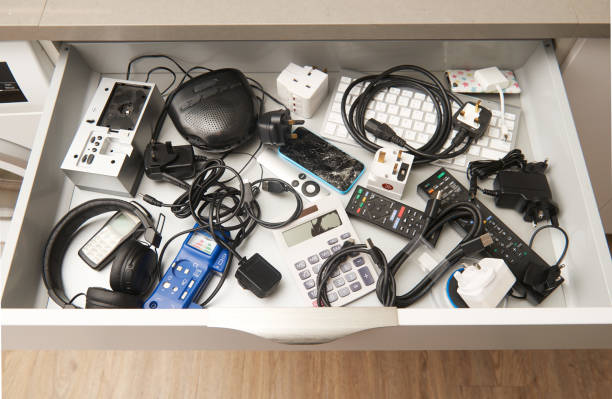
Do not forget the small accessories that make the big accessory work. You need the right cable, the right adapter, and a way to monitor. Monitoring means plugging in headphones so you hear what the mic hears. If your phone has no headphone jack, you may need a splitter for mic and headphones. A shock mount or clip reduces handling noise. A tiny pouch for adapters saves digging through a bag. These items decide whether your microphone works on location.
You can improve audio without buying anything. Soft surfaces absorb echo. Curtains, rugs, couches, blankets, and closets are your friends. Get closer to the microphone. Turn off fans and noisy appliances. Record in the quietest corner. Outside, stay out of the wind. In a busy space, use a lav and get close. The best mobile creator accessory is often a habit: check your audio before every shoot.
The upgrade path is simple. Begin with a wired lav and the correct adapter. Add a wind muff. Practice for a week. Then decide if you need wireless freedom. If you record interviews, get a dual-channel kit. If you shoot solo, one transmitter is enough. If you love voiceover, add a USB mic for your desk. You do not need everything at once. You need to hear your footage and notice what is wrong.
Better audio will not make a boring video interesting, but bad audio makes a good video unwatchable. Viewers click away when your voice sounds thin, echoey, or buried under noise. Fix that first. A phone, a tiny mic, and a little attention can make your videos feel professional before you spend money on lights, gimbals, or lenses. Your camera is probably fine. Your audience just needs to hear you clearly.