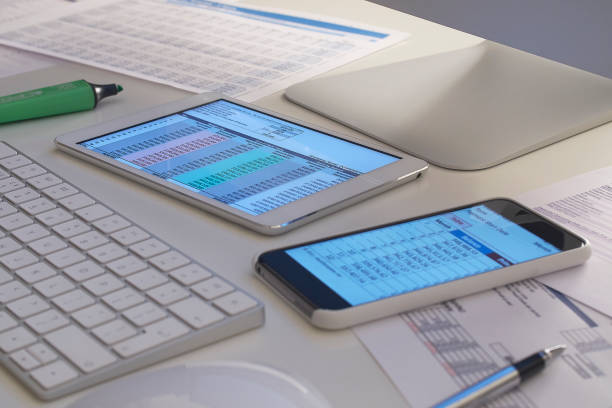
Small space doesn’t mean small capability. The trick is treating every inch like it has a job. Before buying anything, measure your available footprint and think about how you actually use your devices. A desk that is 30 inches wide can still hold a laptop, a monitor, and a coffee mug if you stop letting cables and loose accessories claim territory. Start with what you have, then add one piece at a time.
Go vertical first. Walls and edges are free real estate. A monitor arm clamps to the back of a desk and removes the bulky stand, which frees up space for a keyboard and notebook. If you cannot clamp, use a wall mount with a small shelf. A laptop stand lifts your machine to eye level and can sit over a keyboard when not in use. Under-desk mounts can hold a power strip, a docking station, or an external drive. A simple pegboard or narrow shelf above the monitor holds headphones, pens, and charging cables. The goal is to keep flat surfaces clear so you can actually work.
Choose furniture that changes shape. A drop-leaf desk folds down when you are done. A rolling cart tucks beside a couch and becomes a charging station, snack table, and laptop perch. A small folding table can be an editing bay by day and disappear at night. If you rent and cannot drill, use tension rods, adhesive strips rated for the weight, and freestanding shelves. Command strips are fine for lightweight items, but do not trust them with a monitor. When in doubt, secure heavy gear to the desk itself.
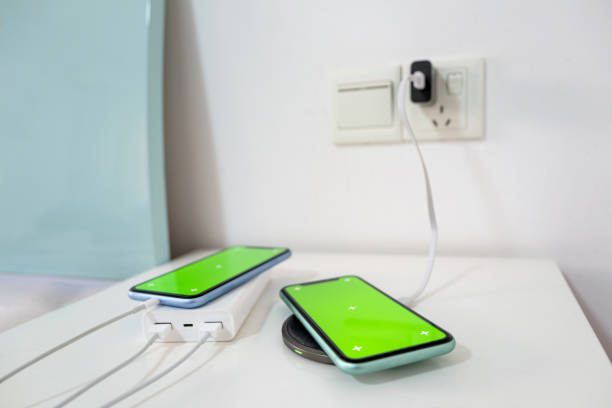
Cables are the enemy of small spaces. They eat visual room and make everything feel messy. Use short cables where you can, then bundle the rest with velcro ties. An under-desk cable tray keeps a power strip and charger bricks off the floor. A cable raceway sticks to the wall or desk leg and hides the run from outlet to workstation. Label both ends of every cable with tape and a marker. A single USB-C or Thunderbolt dock can turn one laptop into a full desk setup. Plug in one cable for power, monitor, network, and accessories. Hide the dock under the desk so it stays out of the way.
Think wireless where it matters, wired where it counts. A compact Bluetooth keyboard and mouse free up desk space and reduce cable clutter. A headset with multipoint Bluetooth can switch between phone and computer without a dongle dance. For gaming or fast storage, keep the important stuff wired. A small external SSD the size of a deck of cards can hold project files, game captures, or backups. Put it in a labeled pouch or stick it to the side of your desk with mounting tape. If you need more room, a low-profile network attached storage box can sit on a shelf and back up every device in the house.
Lighting and sound make a tiny setup feel bigger. A monitor light bar illuminates your keyboard without taking desk space. A clamp lamp can point at a wall for soft background glow. Bias lighting behind a monitor reduces eye strain and makes movie nights feel less like staring into a flashlight. For sound, a compact soundbar under a monitor is fine, but good headphones take zero floor space and keep neighbors happy. If you watch movies in a small room, a mini projector aimed at a blank wall can create a huge screen without a huge TV. Just be honest about ambient light and speaker quality.
Finally, build routines that keep the space usable. Every night, spend two minutes putting accessories in a drawer or bin. Every month, check for dust around vents and fans. Small space tech is not about cramming in more gadgets. It is about making the gadgets you own easier to reach, easier to charge, and easier to ignore when you are done. A corner can be a command center, a movie theater, a recording booth, or all three. You just have to give each piece a place and let the walls do the heavy lifting.