Memory cards and flash storage look simple. They are tiny rectangles with big promises printed on them. The problem is that a card can say “1TB” and “170MB/s” and still be wrong for your phone, camera, drone, handheld, dash cam, or backup drive. You do not need to become a storage engineer. You just need to match the card to the device, buy from a trustworthy seller, and stop treating any single card as a permanent home for files you care about.
Capacity is the first trap. A huge number at a suspiciously low price is usually a fake. The card may report 512GB or 1TB to your computer, but it actually has far less real memory. Once you pass that real limit, it starts overwriting your older files. Photos and videos disappear, and the card may still look fine. Buy from a real retailer or the brand’s own store, not a random marketplace listing with a price that is too good to be true. Stick with known brands such as SanDisk, Samsung, Lexar, Kingston, ProGrade, Delkin, or similar. When your card arrives, test it with a free tool like H2testw or F3 before you trust it with anything important. If it fails, return it immediately.
The speed labels are next. Class 10 is the old minimum. U1 and U3 describe minimum write speed for SD cards. V30, V60, and V90 are video speed classes, and they matter most for cameras. A1 and A2 are app performance ratings for phones and handhelds. For most phones, action cameras, drones, and Nintendo Switch consoles, an A2 U3 V30 card is a safe pick. For a Steam Deck or similar handheld, get A2 U3 V30 or better, and choose at least 256GB so you are not constantly juggling games. For a camera shooting 4K video, V30 is the practical minimum. If you shoot high-bitrate 4K or 8K, look at V60 or V90, but only if your camera supports UHS-II. Otherwise you are paying for speed your device cannot use. The card reader also matters. A fast card in a slow reader is like a sports car in a traffic jam.
Different jobs need different cards. Dash cams and security cameras write constantly, which wears out normal cards. They need high-endurance cards built for repeated overwriting. A regular card may die in months. Action cams and drones benefit from V30 cards because they record fast, bumpy video. Phones that use a card for apps need A2, while phones that only store photos and music can get away with A1. Handheld gaming devices want A2 and enough capacity for large game files. Always check the maximum capacity your device supports. A 1TB card is useless if your phone or camera cannot read it. Format the card in the device you plan to use, not on your computer, unless the device’s manual says otherwise. That one step prevents a surprising number of weird errors.
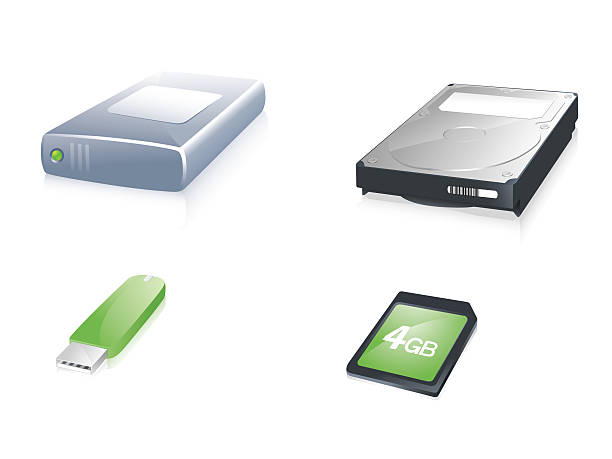
Flash drives and portable SSDs follow a similar rule. A cheap USB thumb drive is fine for moving a few files, but it is not a serious backup. Portable SSDs are faster, more durable, and better for large backups. If files matter, keep them in more than one place. Use the old backup rule: three copies, two different kinds of media, and one copy somewhere else. That could mean your computer, an external SSD, and a cloud service. Memory cards fail. Phones get lost. Drives get dropped. Redundancy is boring, but it is the difference between a bad day and a disaster.
Treat cards with a little respect. Eject them safely instead of yanking them out while files are writing. Keep them away from heat, moisture, and physical stress. Use a decent reader, label your cards, and replace any card that becomes slow, hot, or unreliable. Do not defragment flash storage. Do not buy the absolute cheapest card you can find. The few dollars you save are not worth losing a wedding video, a game save, or a work project.
The no-nonsense rule is simple. Match the card to the device, buy from a trusted seller, test it when it arrives, format it in the device, and back up anything you cannot replace. Do that, and memory cards become what they should be: cheap, quiet, reliable tools instead of tiny time bombs.