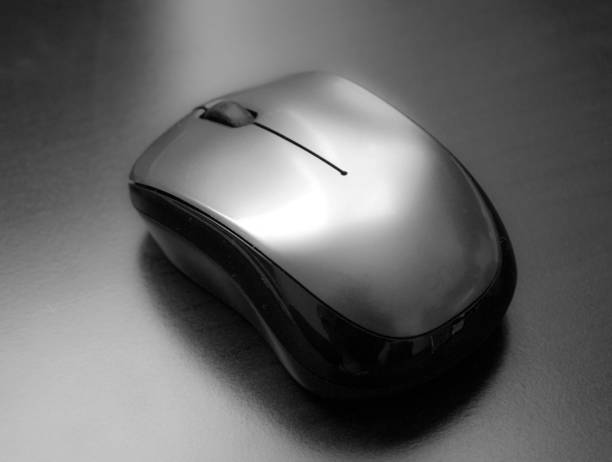
For decades, the humble computer mouse has been a simple tool. You move it, the cursor moves. You click, something happens. That basic promise has not changed, but the technology inside has. The latest breakthrough is the high polling rate mouse, advertised as 4K, 8K, or higher. It sounds like spec-sheet jargon, and for many people it is. But if you care about speed, precision, or responsiveness, it is worth understanding.
Polling rate is how often your mouse reports its position to your computer. A standard office mouse might report 125 times per second. A good gaming mouse usually reports 1,000 times per second. An 8,000Hz mouse reports 8,000 times per second. Instead of waiting up to one millisecond for an update at 1,000Hz, your computer gets a fresh position every 0.125 milliseconds. You cannot consciously count a millisecond, but you can feel the difference during fast swipes and precise edits.
Why does this matter? Input lag comes from the chain between your hand and the screen, not just your monitor or internet. At 1,000Hz, the cursor feels smooth enough for most tasks. At 8,000Hz, motion becomes finer. Fast movements produce less stair-stepping, and small adjustments feel more direct. The cursor seems to stick to your hand rather than trail behind it. This is especially true on high refresh rate monitors. If your screen draws frames faster than your mouse reports, the mouse becomes the bottleneck. High polling rates help close that gap.
The technology behind this is not just software. Mouse makers have improved sensors, switches, and wireless connections. Optical and magnetic switches reduce debounce delay, the tiny pause needed to prevent double clicks. New wireless protocols transmit data at higher rates without the lag older wireless mice suffered. Some mice use a dedicated dongle that runs at a faster USB polling interval. Others use firmware to pack more position data into each report. The result feels wired even when it is not.
It is easy to confuse polling rate with DPI. They are different. DPI controls how far the cursor moves when you move the mouse. Polling rate controls how often that movement is reported. A mouse with huge DPI and low polling rate can still feel choppy. A mouse with modest DPI and high polling rate can feel incredibly smooth. For most people, a comfortable DPI between 800 and 1,600 is plenty. Polling rate changes the feel of motion itself.
Does everyone need 8,000Hz? No. If you use a 60Hz laptop screen for email and spreadsheets, you will not notice. If you play slow strategy games or watch videos, 1,000Hz is more than enough. High polling rates draw more power, so wireless mice may need charging more often. Many models let you switch between lower and higher rates. Use a lower rate for work and a higher rate for gaming or creative tasks. That is the sensible approach.
Content creators can benefit too. When you are masking in Photoshop, rotoscoping in DaVinci Resolve, or modeling in Blender, precise cursor control saves time and reduces frustration. A smoother mouse path means fewer corrections. For CAD users, tiny movements can mean the difference between a clean line and a messy one. For programmers, a responsive cursor makes long editing sessions less fatiguing. These are not dramatic life changes, but they add up.
Before you buy, ignore the marketing hype. Look at the shape first. A mouse that hurts your hand is not cutting-edge. Check the sensor, switches, wireless reliability, and software. Make sure your computer can handle the extra data, though most modern machines can. Plug the mouse directly into a USB port instead of a cheap hub. Update the firmware. Try different polling rates and see if you feel a difference. If not, return it or save your money.
The high polling rate mouse is a genuine breakthrough, but it is not magic. It will not make you a better gamer overnight. What it can do is remove a tiny, hidden delay between your intention and the screen. For enthusiasts and professionals, that delay is worth chasing. Soon, 8,000Hz will be normal. Today, it is a choice.