The power cord is the least exciting part of any computer setup. It is also the part most likely to start a fire if you treat it like a free bonus cable from a drawer. You do not need to be an electrician to stay safe. Just respect heat, load, and damage.
Every cord has a limit. A normal US wall outlet is usually 120 volts and 15 or 20 amps. A 15-amp circuit can deliver 1,800 watts, but the safe continuous load is closer to 1,440 watts. That sounds like a lot until you realize one space heater can pull 1,500 watts. Add a gaming PC, two monitors, a laptop charger, speakers, and a phone charger, and you are asking for trouble. The breaker may trip, or the cord may overheat.
Power strips are convenient, not magical. A cheap 15-amp strip does not create more power. It just gives you more places to plug into the same circuit. Daisy-chaining one strip into another adds resistance, clutter, and risk, not capacity. Use one good surge protector with enough outlets and plug it directly into a wall outlet. If you need more outlets than that, you need an electrician, not another strip.
Extension cords are for temporary use. That thin cord you bought for a lamp is not built for a gaming rig or laser printer. The longer the cord, the thicker the wire needs to be to carry current without heating. Lower gauge numbers mean thicker wire. A 16-gauge or 14-gauge cord is better for computers and monitors than an 18-gauge lamp cord. Never run an extension cord under a rug or through a doorway where it can be pinched. Heat builds up under carpet, and pinched wires break inside.
Heat is the enemy. A power cord should be warm at most, never hot. If a plug or cord feels hot, smells like burning plastic, looks discolored, or makes a buzzing sound, unplug it immediately if it is safe. Do not just wiggle it and hope. Replace the cord or power strip. If the wall outlet itself is warm or the faceplate is discolored, stop using it and call an electrician. Loose outlets cause arcs, and arcs cause fires.
Do not coil a power cord tightly while it is in use. That traps heat and can melt insulation. Do not cover cords with pillows, blankets, or furniture. Do not let pets chew them. Keep cords away from water, heaters, and sharp edges. When you unplug something, pull the plug, not the cord. Yanking the cord damages the wires and loosens the outlet over time.
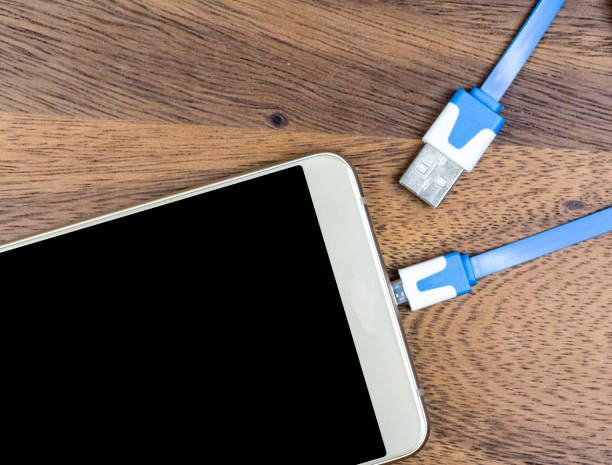
For mobile devices, the same rules apply in miniature. Cheap charging cables and unknown-brand power bricks may skip safety parts. They can overheat, fry your phone, or worse. Use certified cables and chargers from companies you trust. Do not charge a phone under a pillow or on a bed where heat cannot escape. Do not leave a cheap power bank in a hot car. If a cable is frayed near the connector, replace it.
Gaming setups and content creator desks need special attention. A high-end PC, multiple monitors, audio gear, lights, and a docking station can add up fast. A quality surge protector is a smart buy. A UPS can protect against crashes and data loss, but do not plug a laser printer or space heater into the battery-backed outlets. Those devices pull too much power and will overload the UPS.
Cable management is not just for looks. Use Velcro ties instead of tight zip ties, and leave slack. Do not bundle power cords so tightly that they cannot release heat. Keep data cables away from power cables when you can, and label plugs so you know what to unplug in an emergency.
Power cords are not decoration, and they are not all the same. Match the cord to the job, respect the limits of your outlets, and replace anything damaged or hot. A little caution keeps your devices running and your home safe.