You spend a lot of time at your desk, so your keyboard and mouse are practically extensions of your hands. When hunger hits, it is natural to reach for a snack or drink without leaving your chair. The problem is that desks are not dining tables. Crumbs, grease, condensation, and spills can turn a good keyboard into a sticky, unreliable mess. The goal is not to ban snacks. The goal is to snack smarter so your gear stays clean and your body does not feel terrible an hour later.
The biggest threat is not a dramatic spill. It is the slow accumulation of tiny particles. Crackers, chips, granola, and pastries shed crumbs that migrate under keycaps and into mouse scroll wheels. Sugar and salt create a film on keycaps and trackpads. Even baby carrots can leave moisture on your fingers, which transfers to your mouse. If you eat while typing, you are seasoning your electronics. Keep snacks off your main input zone. Push your keyboard back, move your mouse aside, and eat from a plate or bowl instead of straight from a bag. A small side tray creates a physical boundary between food and gear.
Snack choice matters. The safest options are bite-sized, low-mess, and not coated in powder or oil. Grapes, berries, apple slices, cheese cubes, olives, and plain nuts work if you eat them from a cup or bowl. They still require clean hands, but they do not explode into crumbs. Chips, popcorn, flaky croissants, and powdered candy are nightmare fuel for keyboards. If you must eat chips, pour a small portion into a bowl and keep the bag far away. Wipe your hands before touching your mouse or keyboard. It sounds fussy, but it takes five seconds and saves twenty minutes of cleaning later.
Drinks are the other half. An open cup near a laptop is a disaster waiting to happen. Coffee, tea, soda, and juice leave residue that can short out electronics or gum up keys. Water is safest, but even water can kill a laptop if it spills in the right place. Use a lidded tumbler or spill-resistant mug with a weighted base. Keep it on a coaster and place it on the opposite side of your desk from your mouse hand. Never put a drink above your keyboard or on a shelf where it can drip down.
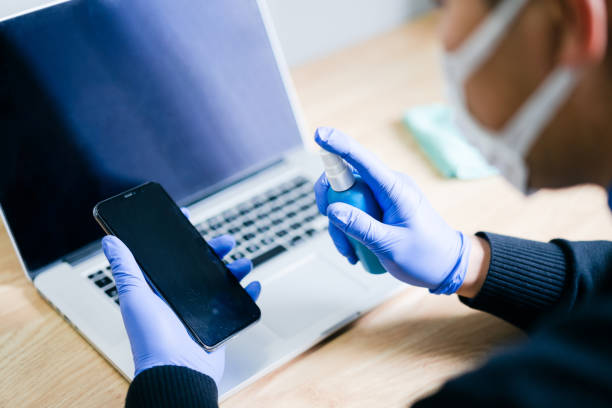
A little gear protection goes a long way. A silicone keyboard cover can help on laptops, but it may feel mushy and trap heat. For desktop users, a cheap external keyboard is easier to replace than a laptop keyboard. A washable desk mat catches crumbs and can be shaken outside. Keep a microfiber cloth, soft brush, and isopropyl wipes nearby. Wipe your mouse and keyboard weekly. Shake out crumbs daily. These tiny habits add up.
Comfort is not just about clean gear. Mindless grazing keeps your hand moving from keyboard to bag and back again. You lose track of how much you eat, and you may end up with greasy fingers and a sugar crash. Make snacks a real break. Stand up, stretch, and eat away from your screen. If you stay at your desk, keep a small bowl of grapes or nuts and sip water or herbal tea. Your desk should feel like a place to focus, not a buffet with a monitor.
If a spill happens, act fast. Unplug the device, turn it off, and tilt it so liquid can drain away from the important parts. Do not shake it violently. Do not put it in rice, because rice dust can cause its own problems. Let it dry completely before you power it on. For a desktop keyboard, unplug it, wipe what you can, and let it dry. When in doubt, ask a repair shop.
You do not have to choose between enjoying a snack and keeping your setup clean. Choose low-mess foods, use lids and coasters, keep snacks away from your keys, wash your hands, and clean your gear regularly. Your keyboard will last longer, your mouse will stay smooth, and your desk will feel more comfortable. A little intention is all it takes.